Appitek blogAll posts
Weaver 4

A fresh look for Weaver: the same tools, easier to use

We've redesigned Weaver's screens so every task is clearer, from generating a document to collecting a signature.

November 2026 · 4 minute read

Many of the changes in Weaver 4 started as requests from customers: fewer popups, clearer buttons, and screens that do one job at a time. Weaver 4 delivers them without moving anything you rely on.

Generating a document

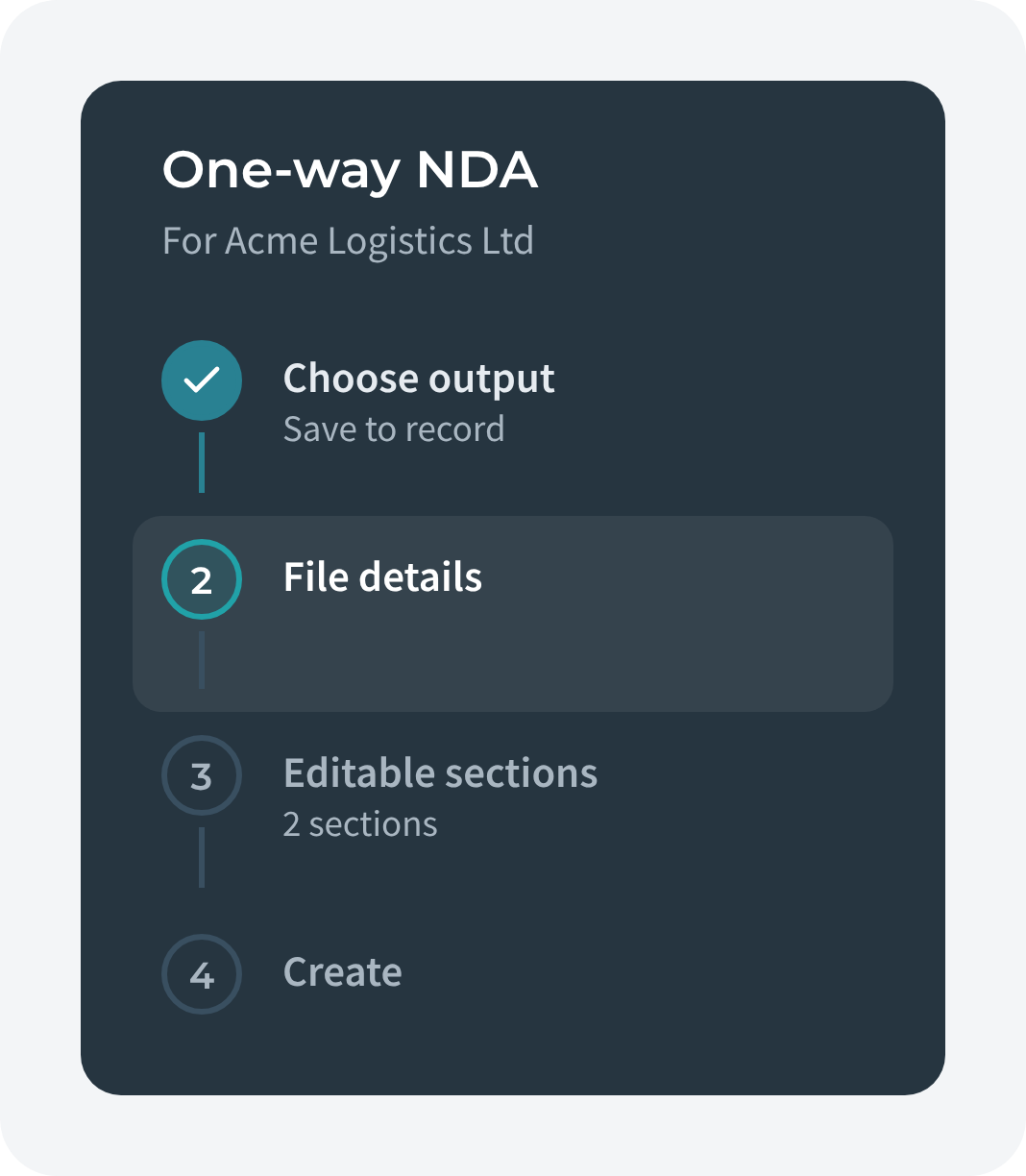
The Weaver Wizard is now four short steps: choose your output, name your file, fill in editable sections and create. A preview stays alongside, and the Wizard tells you where your file will be saved.
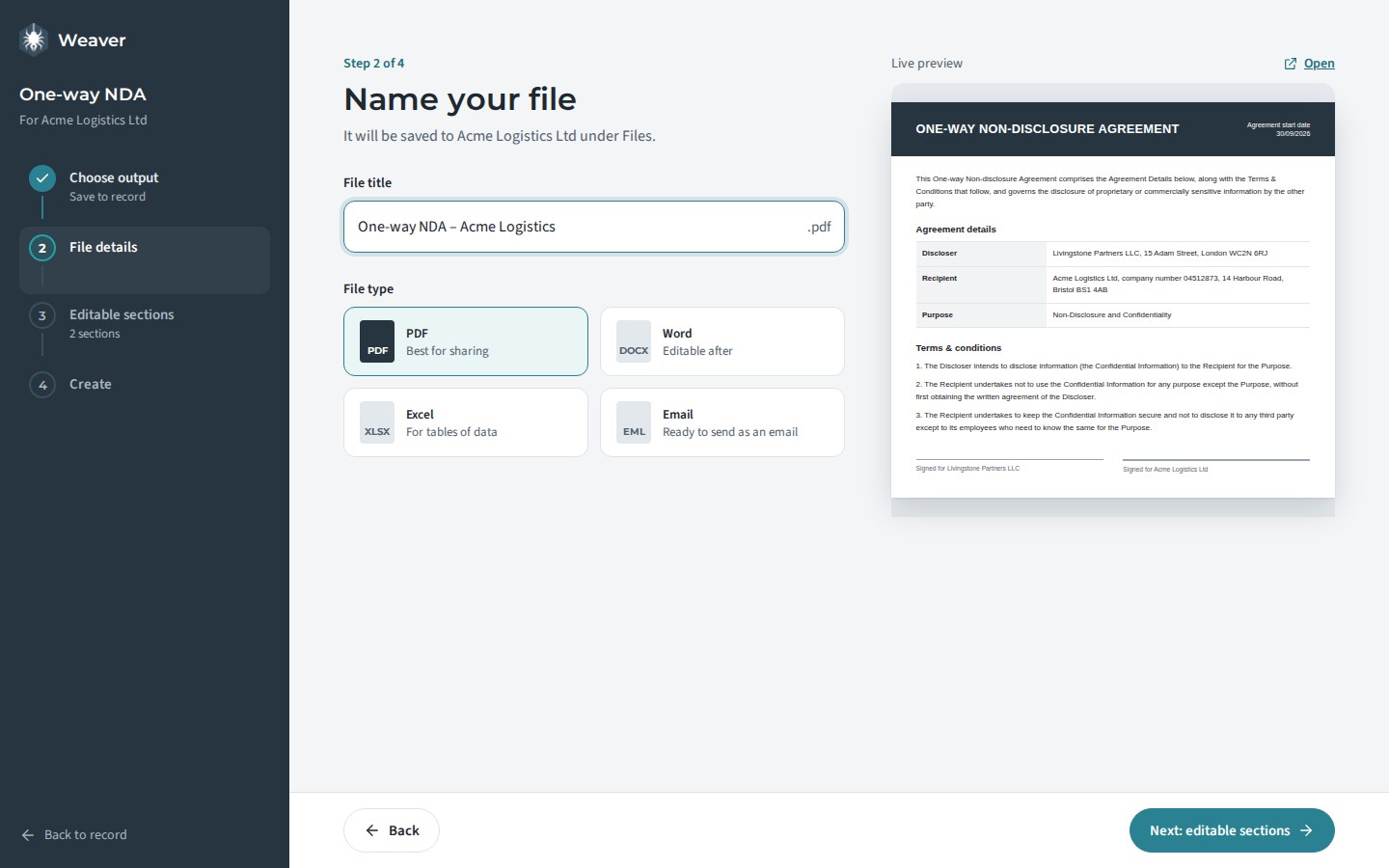
The Weaver Wizard on its Name your file step, with a live preview
The Wizard's "Name your file" step, with the live preview alongside
Wizard step list
Always know which step you're on
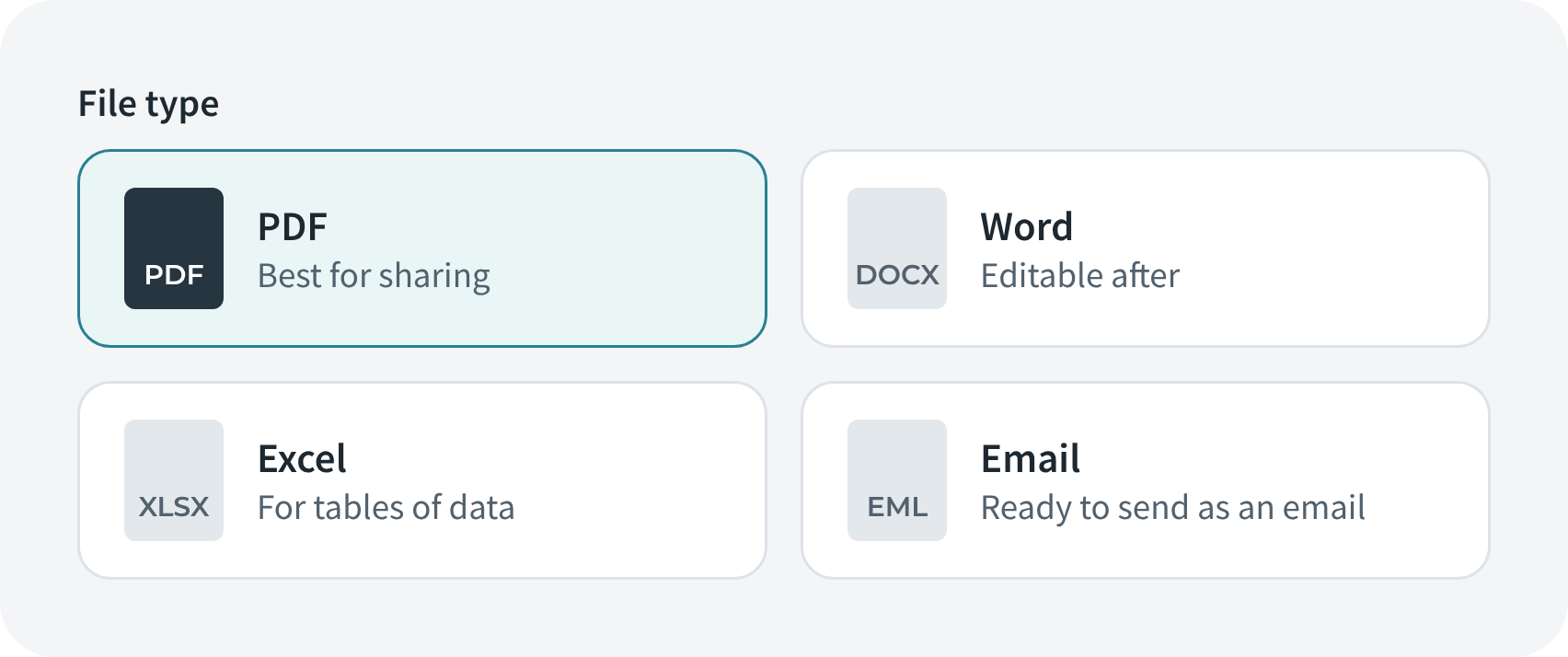
File type choices: PDF, Word, Excel, Email
Every file type as a clear choice

Signing, on any device

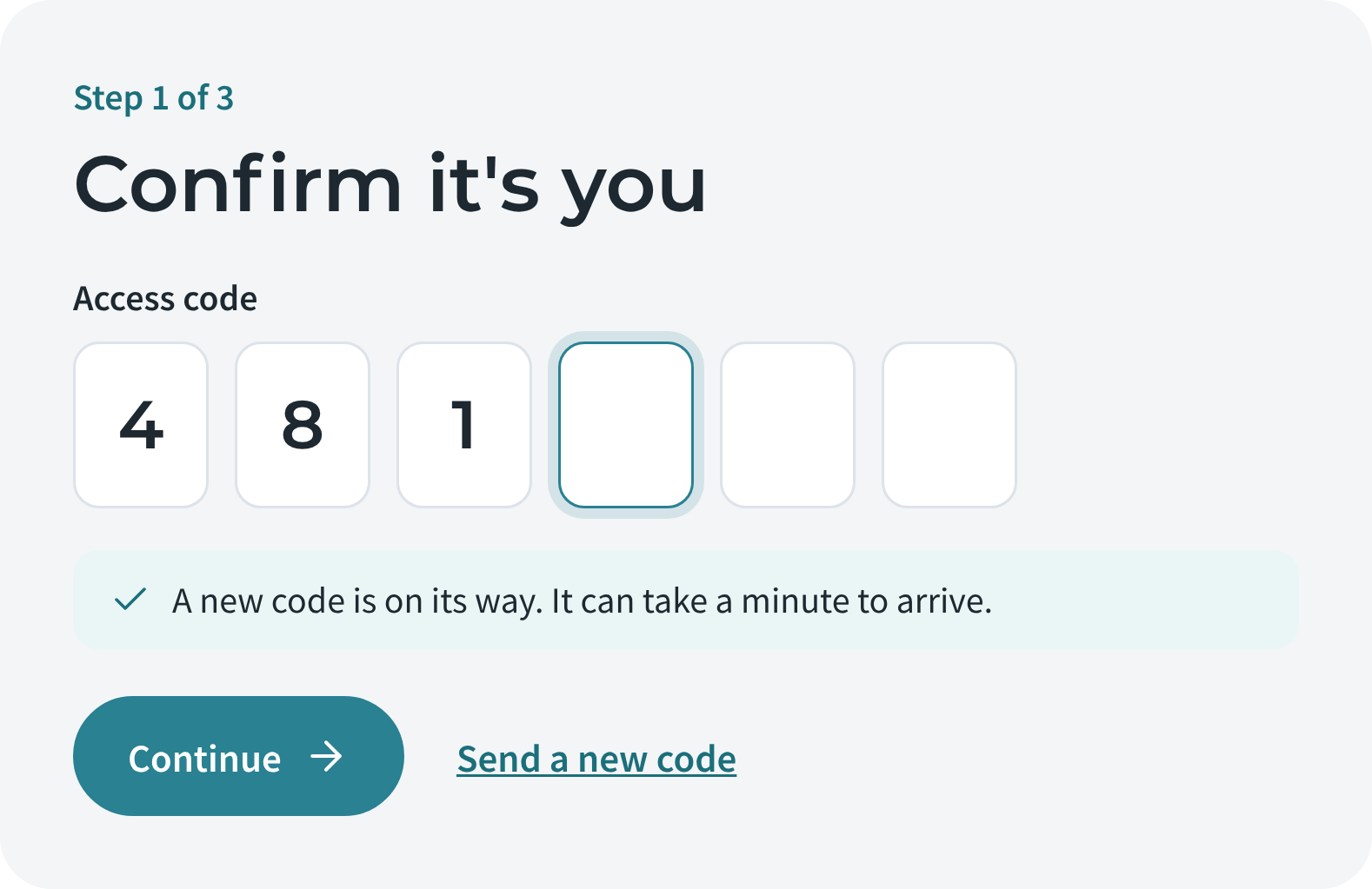
The signing page now takes signees through four clear steps: confirm it's you, read the agreement, add your signature, done. Each step has room to breathe, and it works as well on a phone as on a laptop. If a link has expired, the page explains why and who to contact.
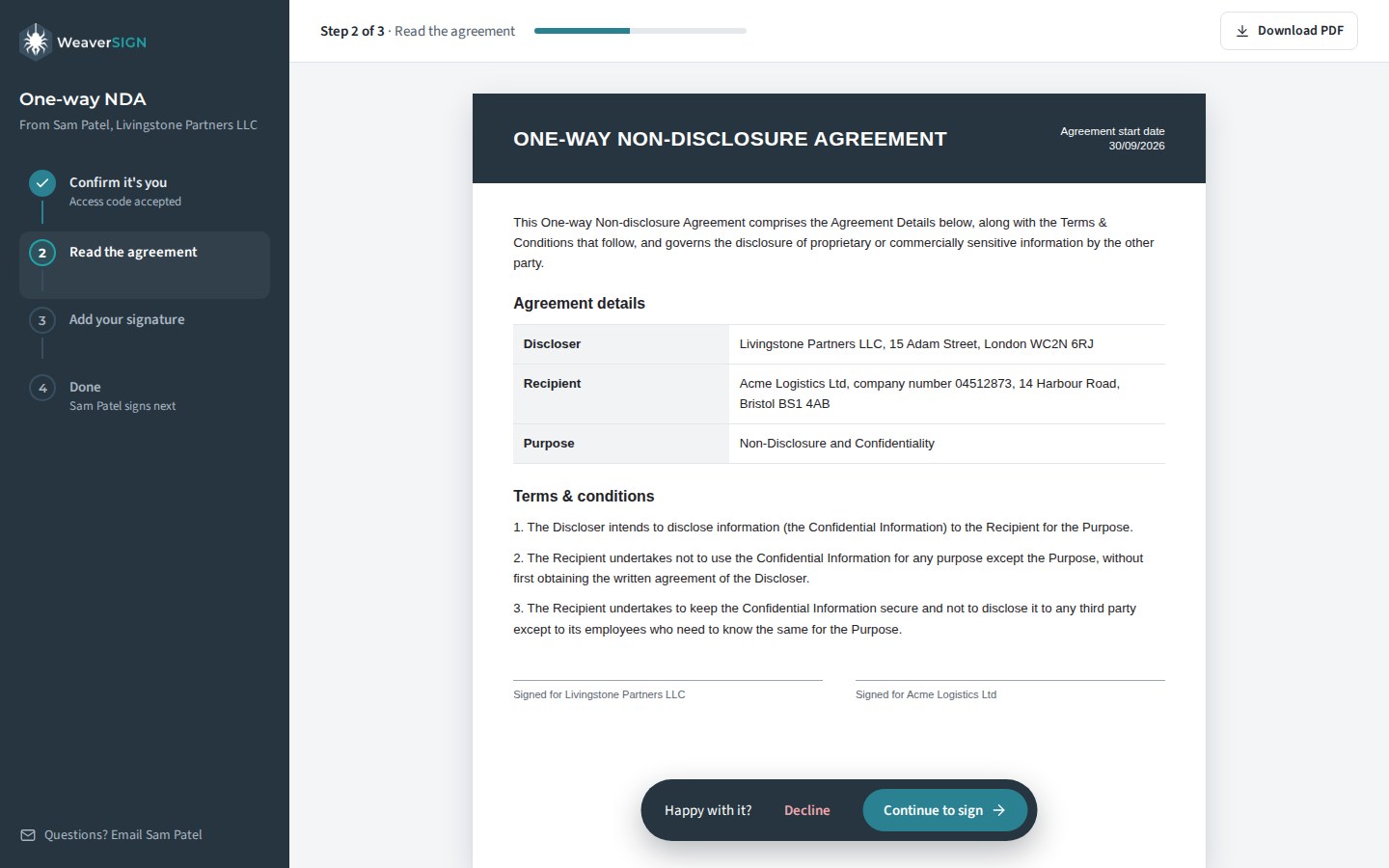
The signing page showing the agreement to read
Signees read the full agreement before they sign
One-time code entry
1 · Confirm it's you
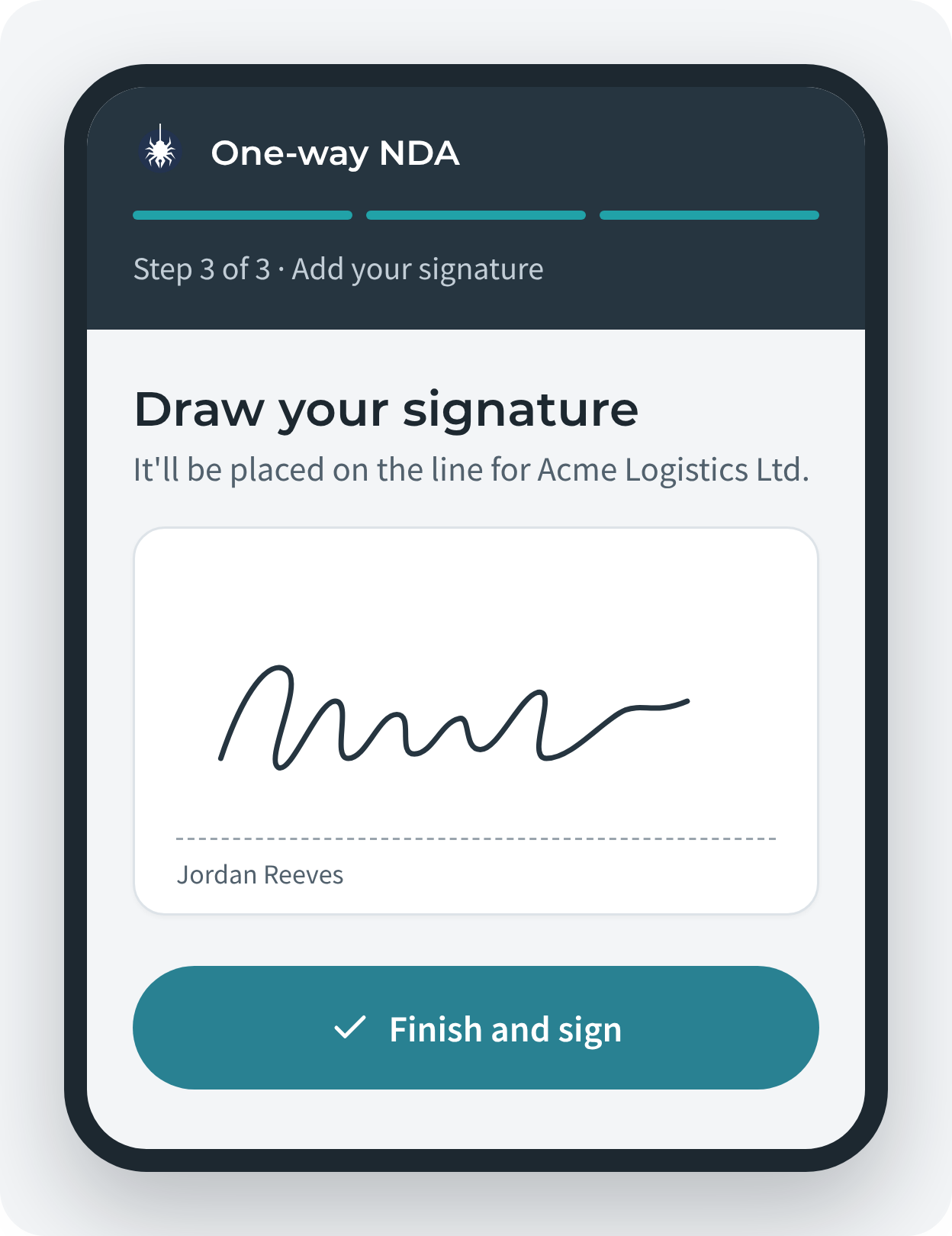
Drawing a signature on a phone
2 · Sign with a finger
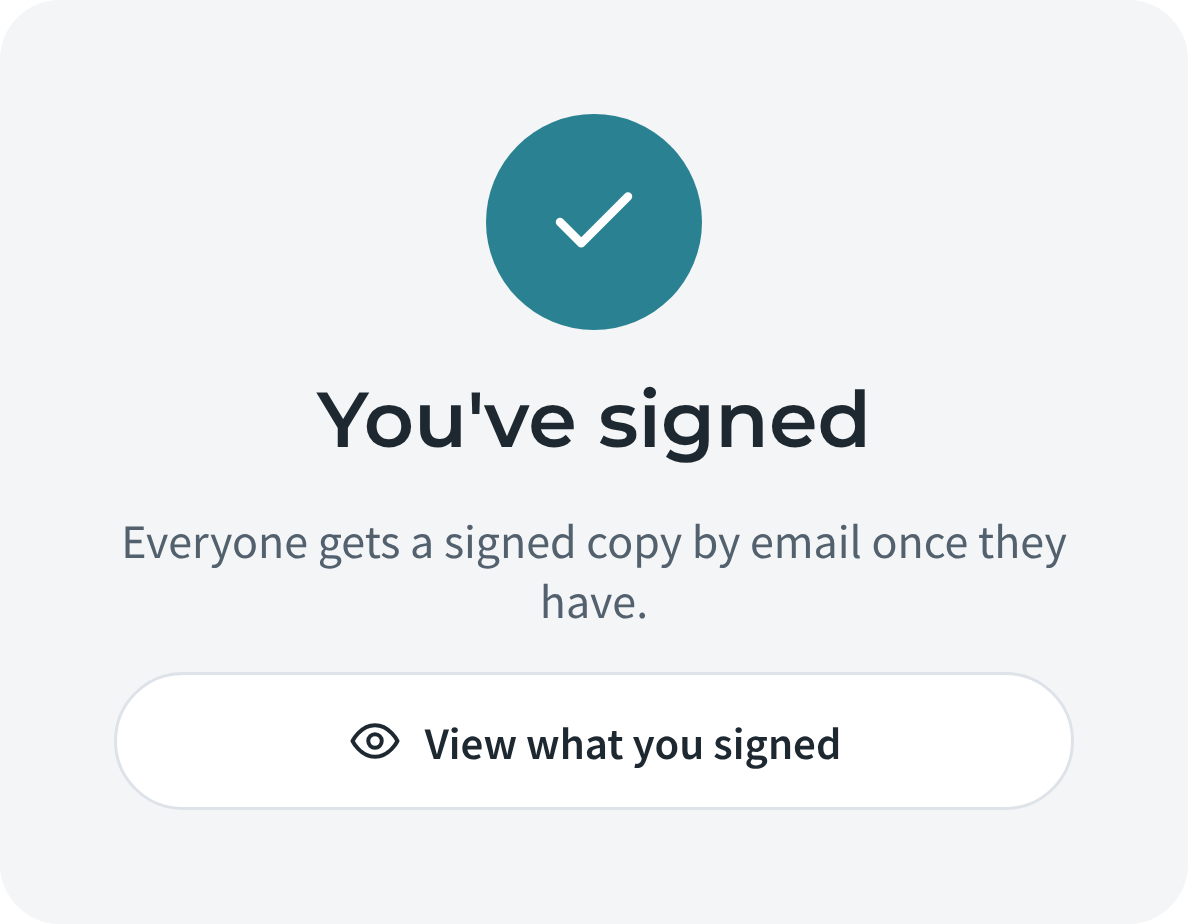
You've signed confirmation
3 · Done

Sending for signature

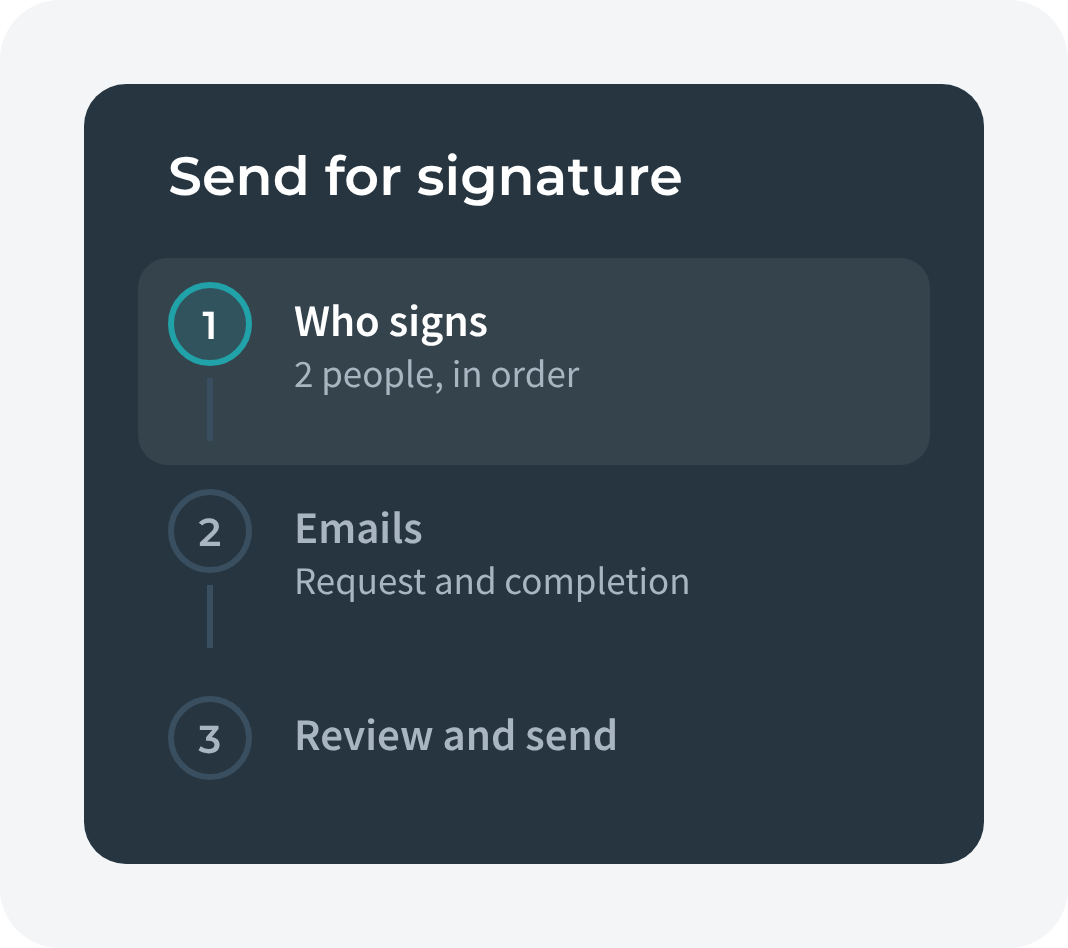
The Sign Wizard splits sending into who signs, the emails they get, and a final review. You add signees in signing order without a popup, and you see everything before it goes.
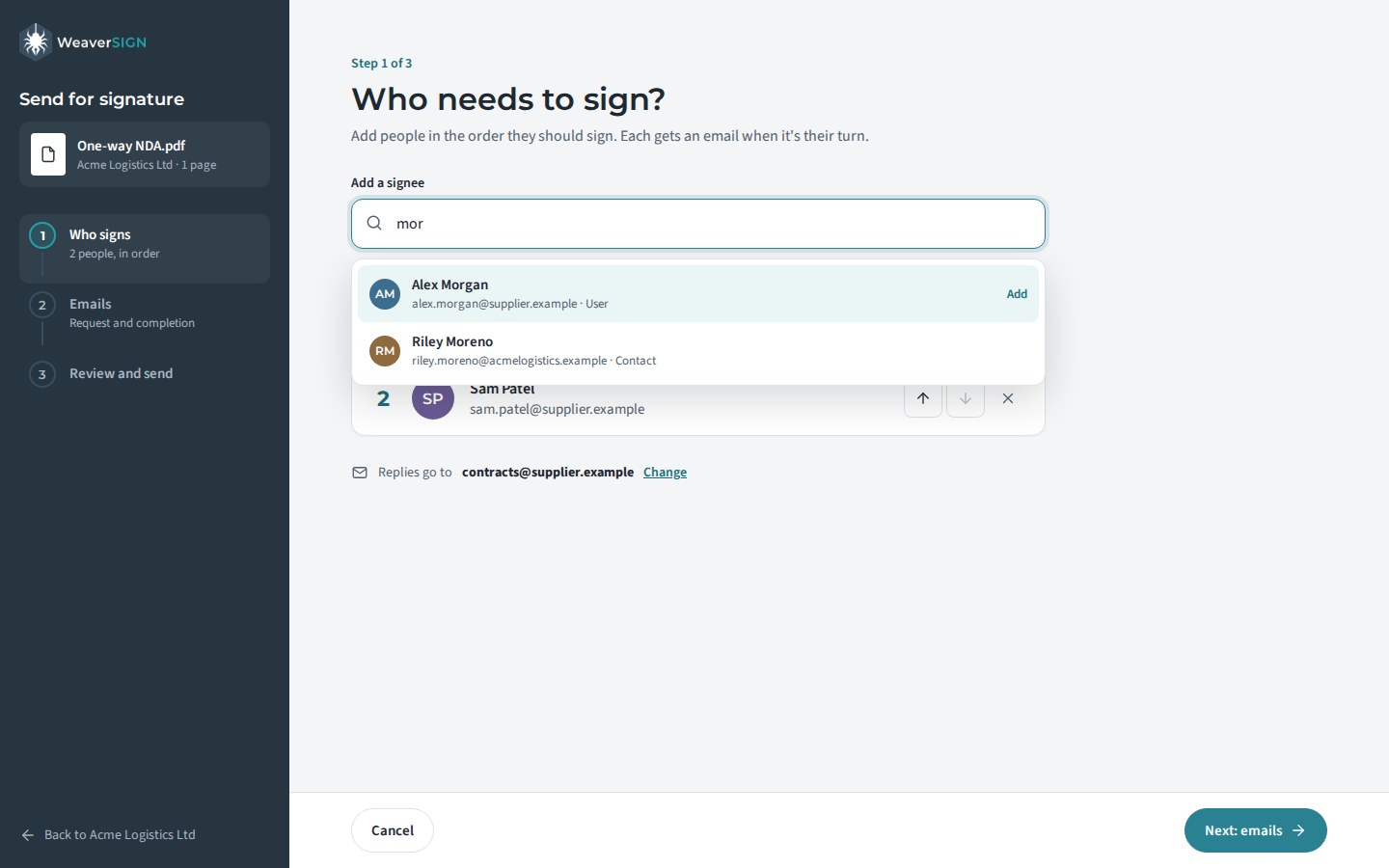
The Sign Wizard's Who needs to sign step
Add signees in the order they should sign
Sign Wizard steps
Three steps
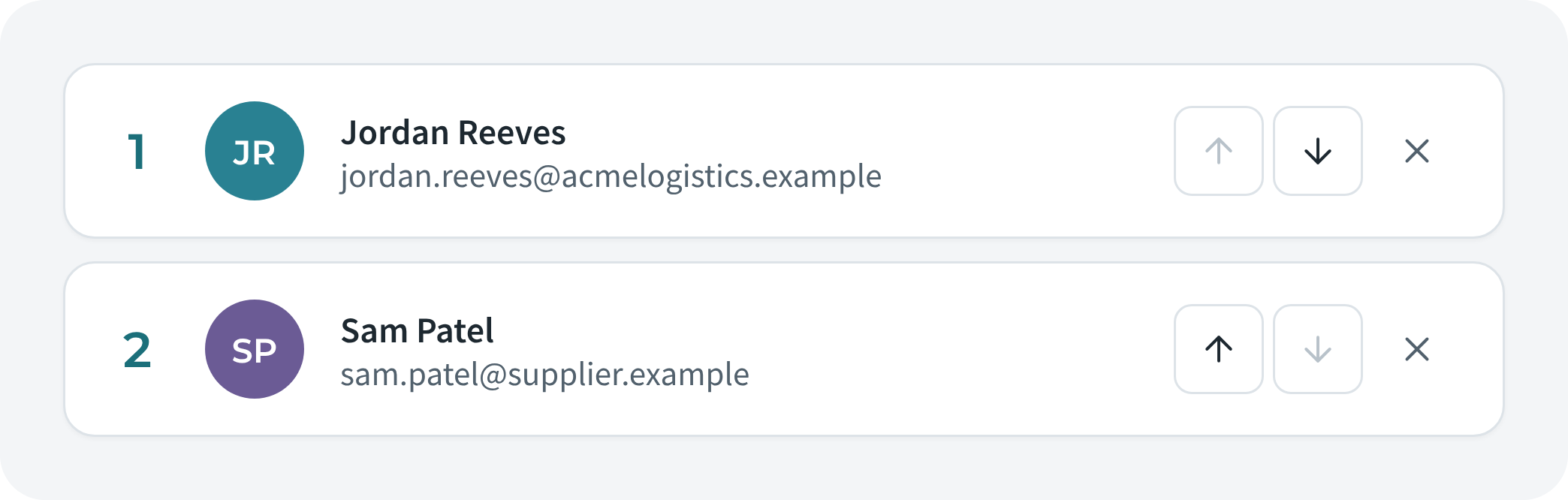
Signee list in signing order
Signing order at a glance

Setting up

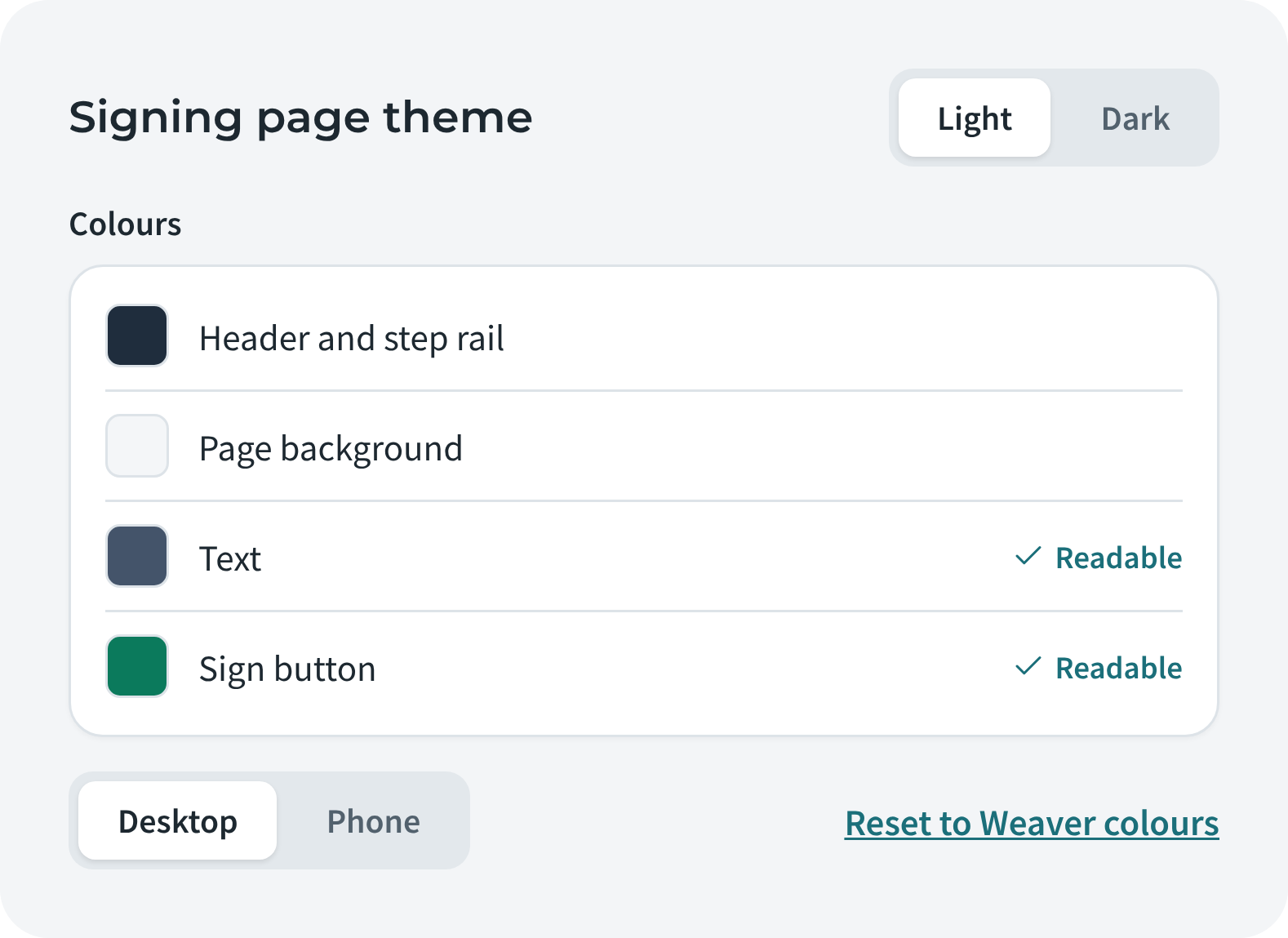
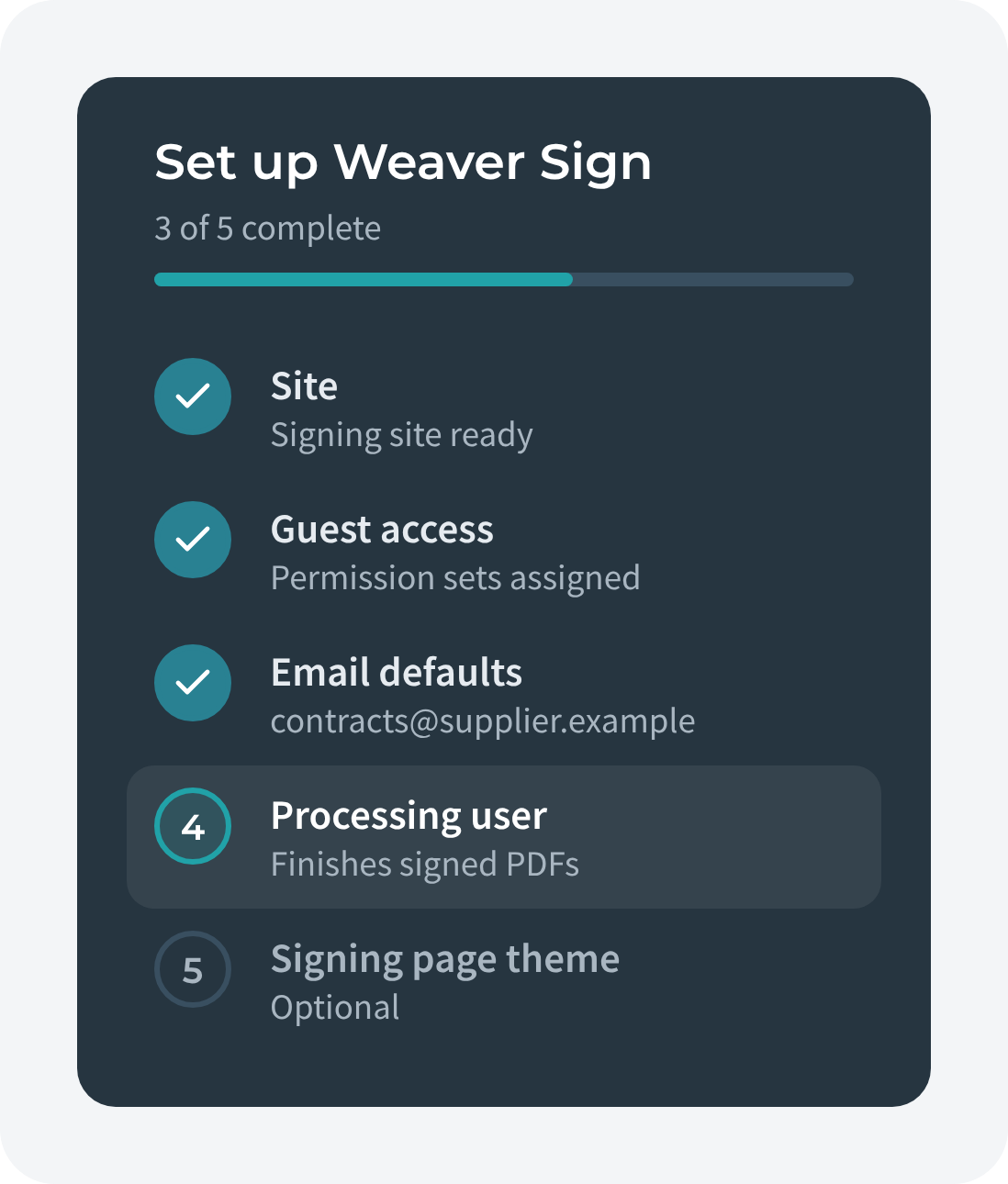
Weaver Sign Setup is a numbered checklist that shows what's done and what's next. Brand the signing page with your colours and logo, preview it on desktop and phone, and choose a light or dark theme.
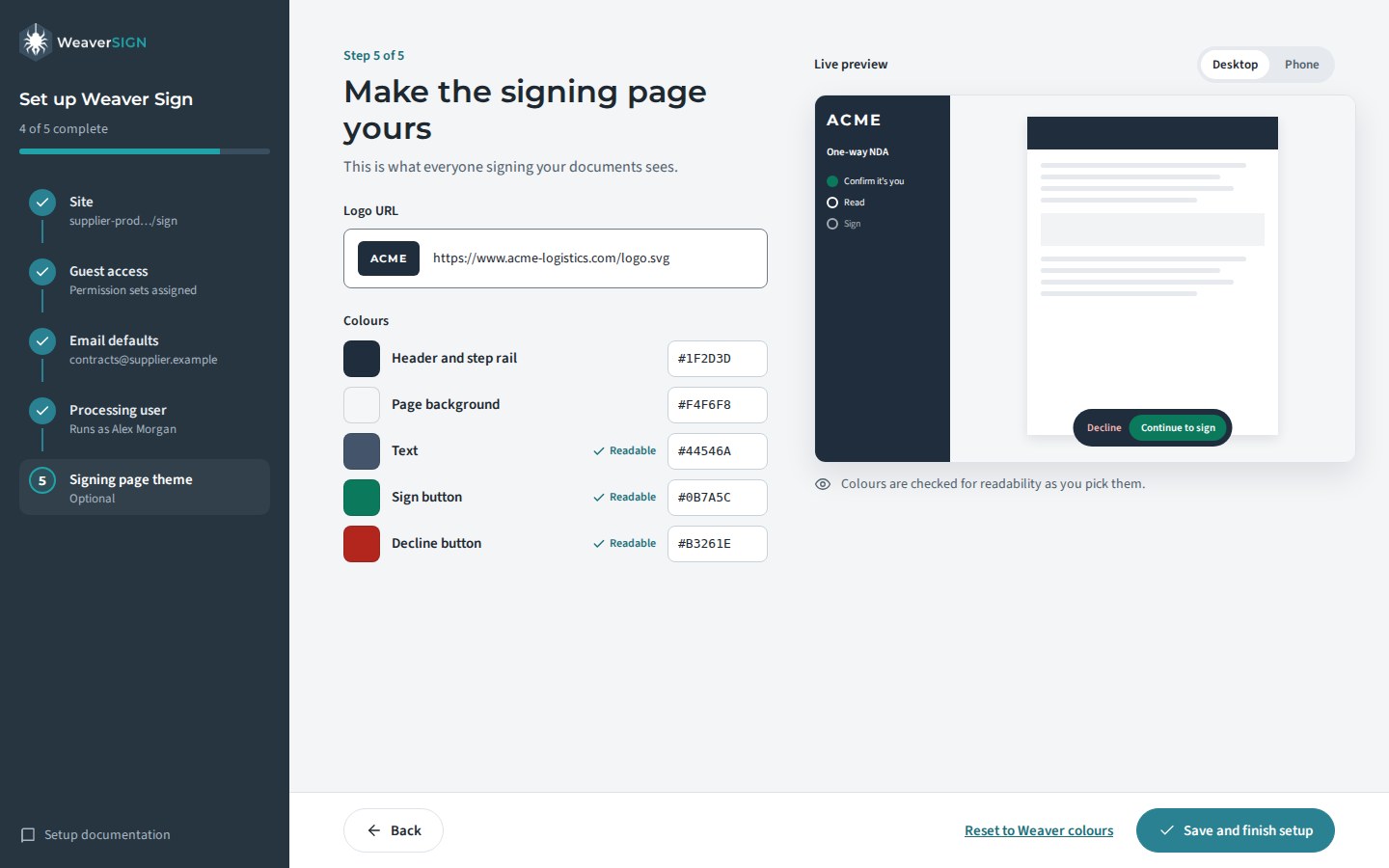
Weaver Sign Setup, signing page theme step
Brand your signing page and preview it as you go
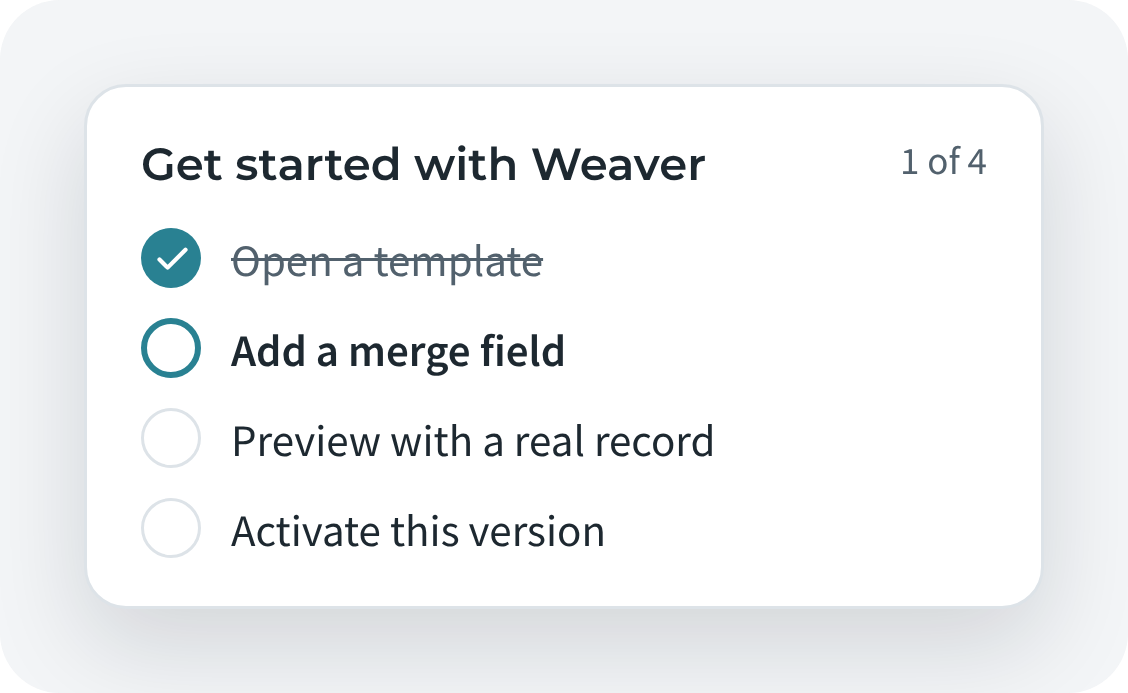
Setup checklist
See what's done
Light or dark theme and desktop or phone preview
Light or dark, desktop or phone

Building templates

The Designer puts layers on the left, your template in the middle and properties on the right. Menus are labelled, Save is the one main button, and new builders get a small guide card instead of a box covering the canvas.
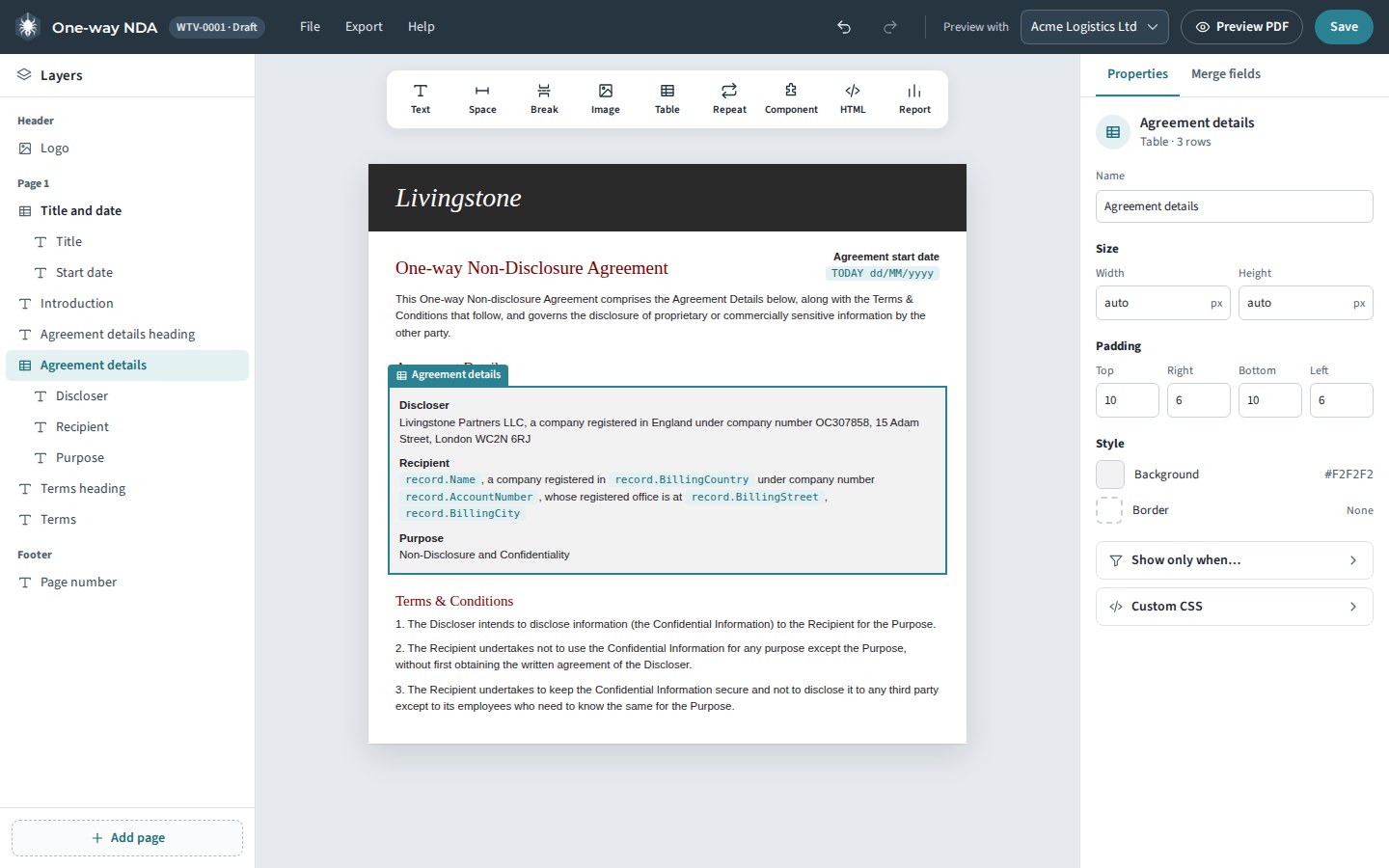

The Weaver Designer
Layers, canvas and properties in one workbench
Designer toolbar with labelled menus and Save
Labelled menus and one main button
Guide card for new builders
A small guide for new builders

One-click buttons

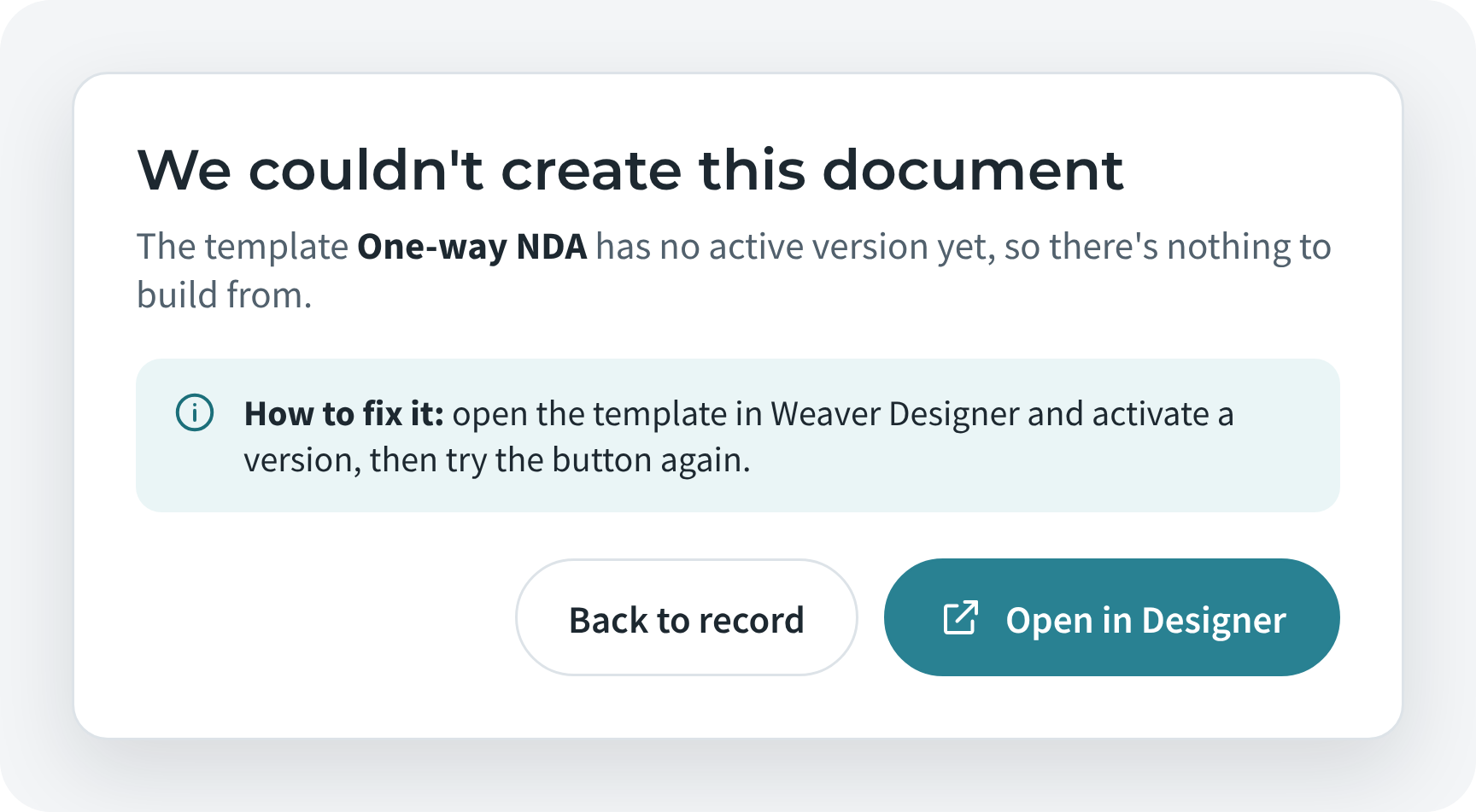
Buttons on your records now show which document is being made and where you'll end up. If something goes wrong, you get a plain explanation and a way back.
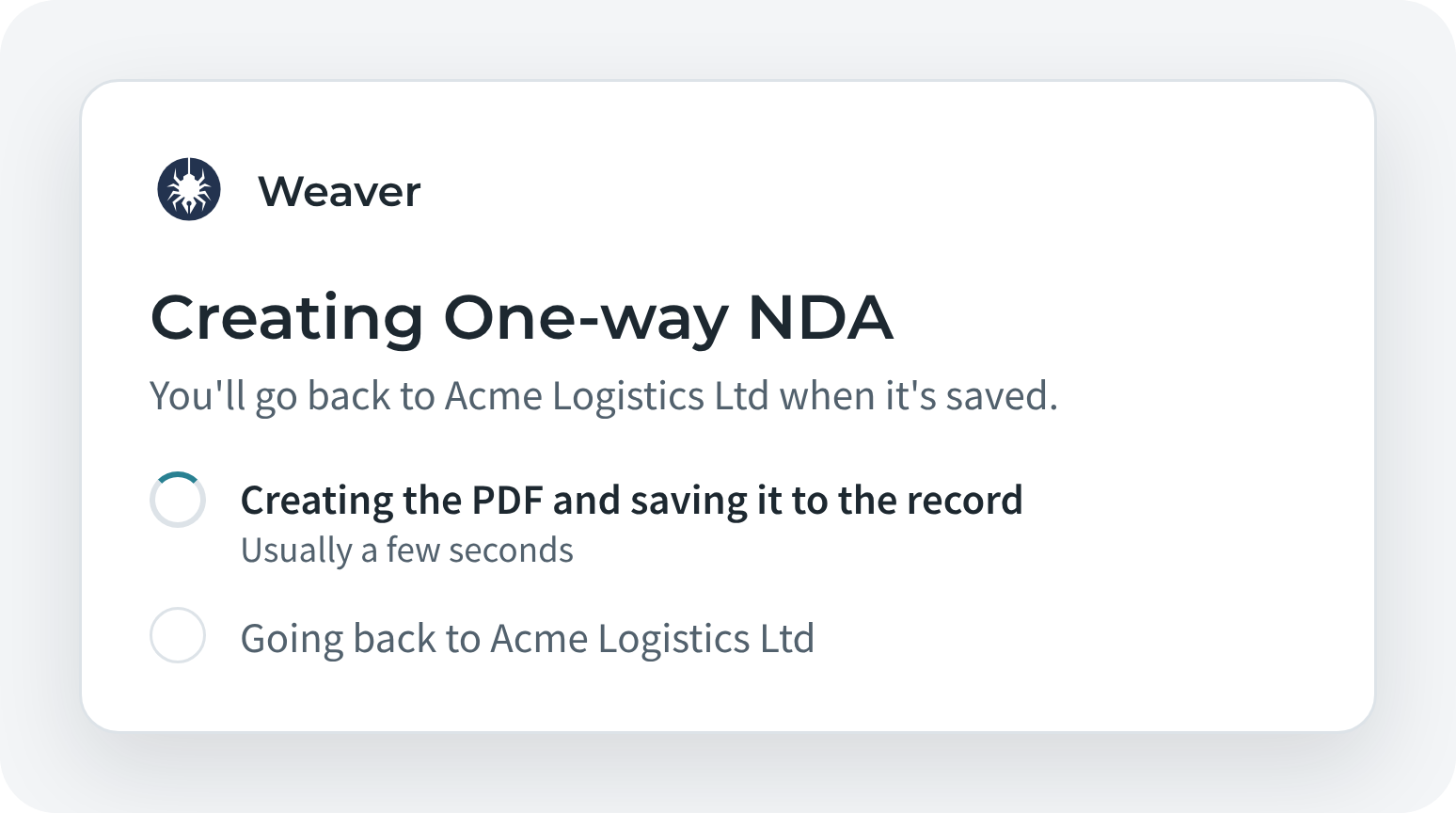
Button running, creating a document
While it works
Plain error message with a way back
If something goes wrong
All of this arrives with Weaver 4.
Available from 5 January 2027. Customers will get everything they need to upgrade by email.
Coming 5 January 2027