
Weaver has helped Salesforce teams design and generate documents for years. Weaver 4, available from Tuesday 5 January 2027, is our biggest update yet, and much of it comes from what you've told us.
Easier to use, without learning anything new
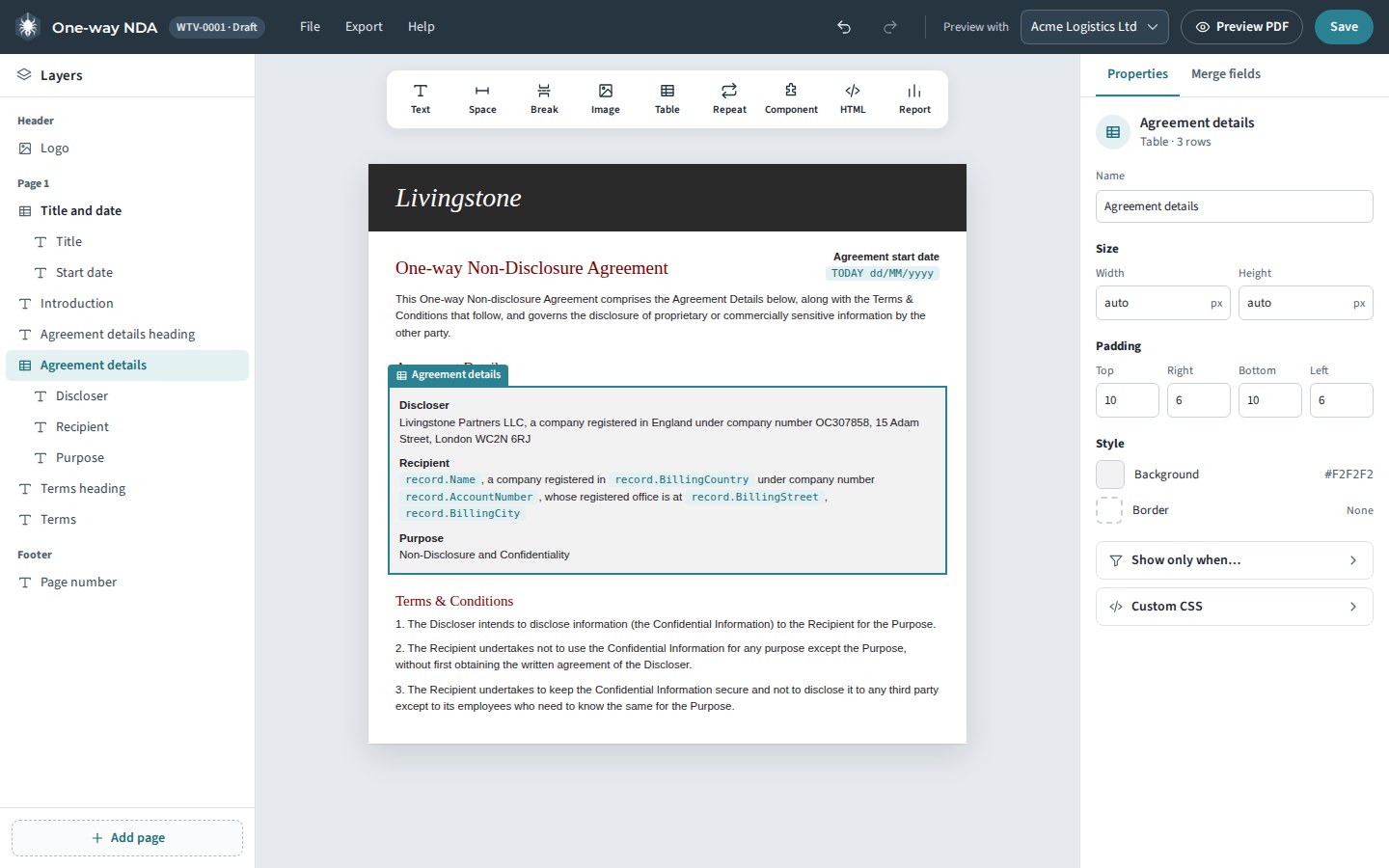
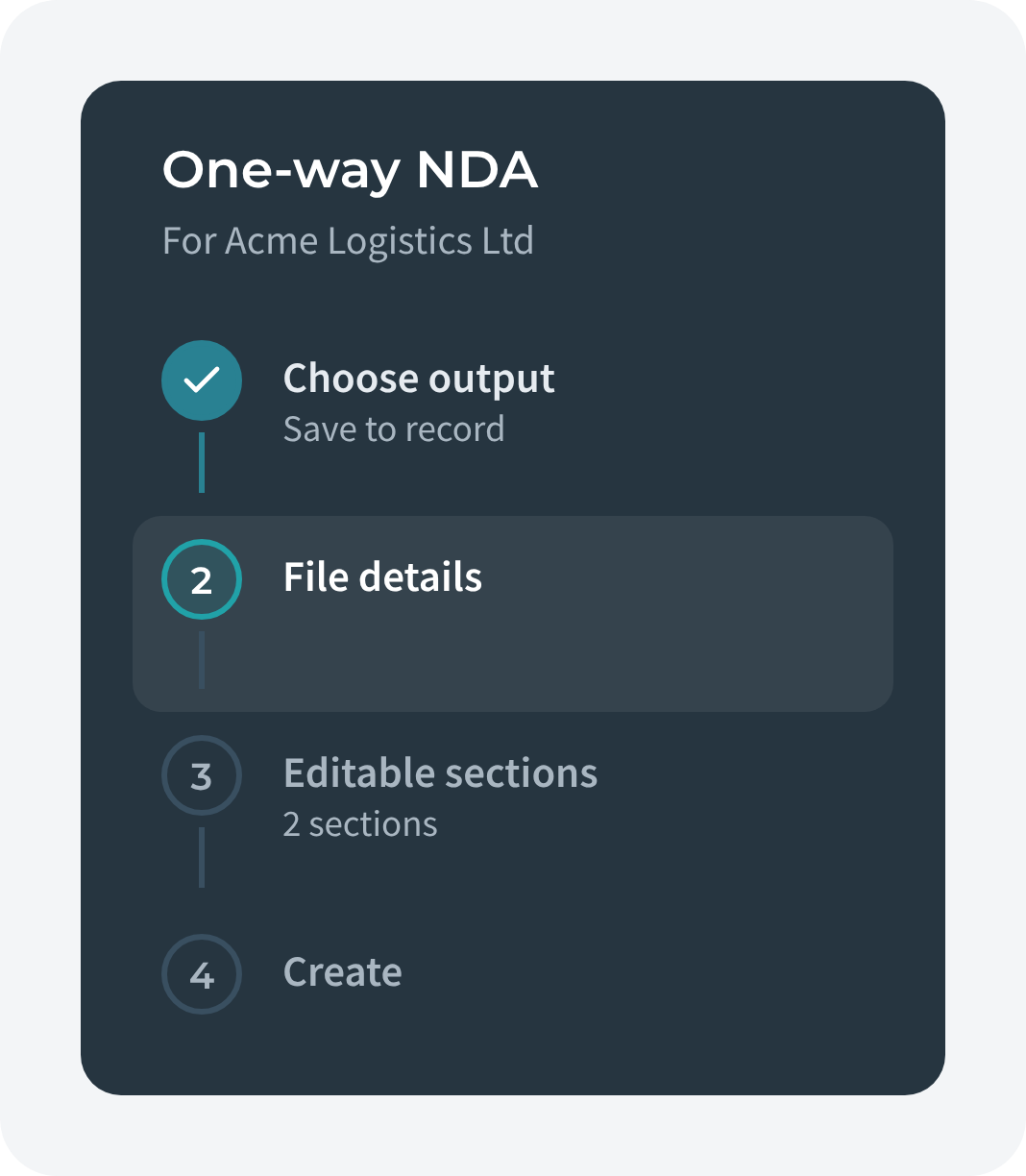
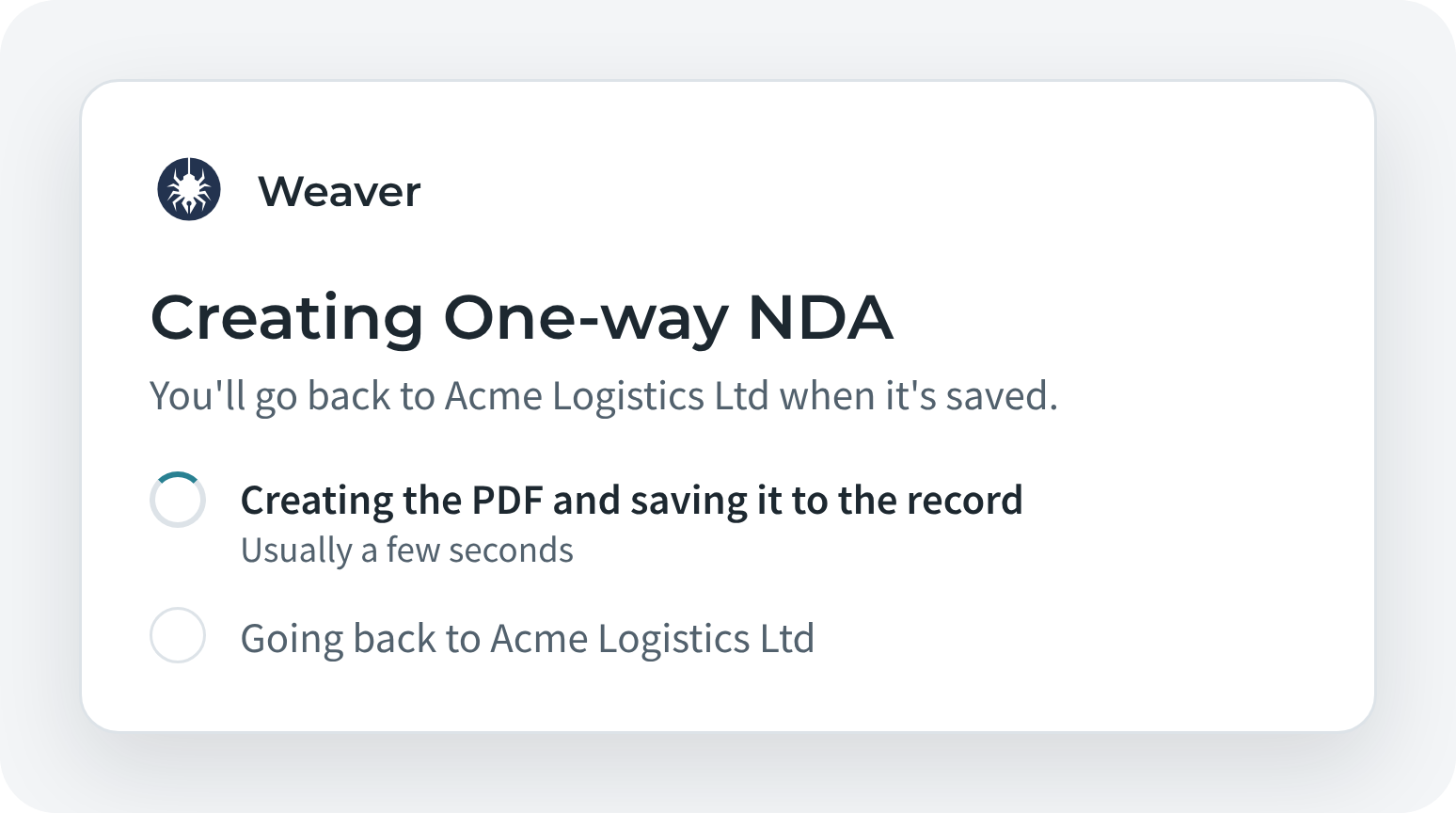
We haven't changed what Weaver does. We've changed how it feels to use. Every screen now has one clear main action, plain labels, and a layout that guides you step by step. Generating a document is four short steps with a preview beside you. One-click buttons tell you what they're doing and explain any problem. The Designer is laid out as a calm workbench, with your template in the middle.

E-signatures, built in
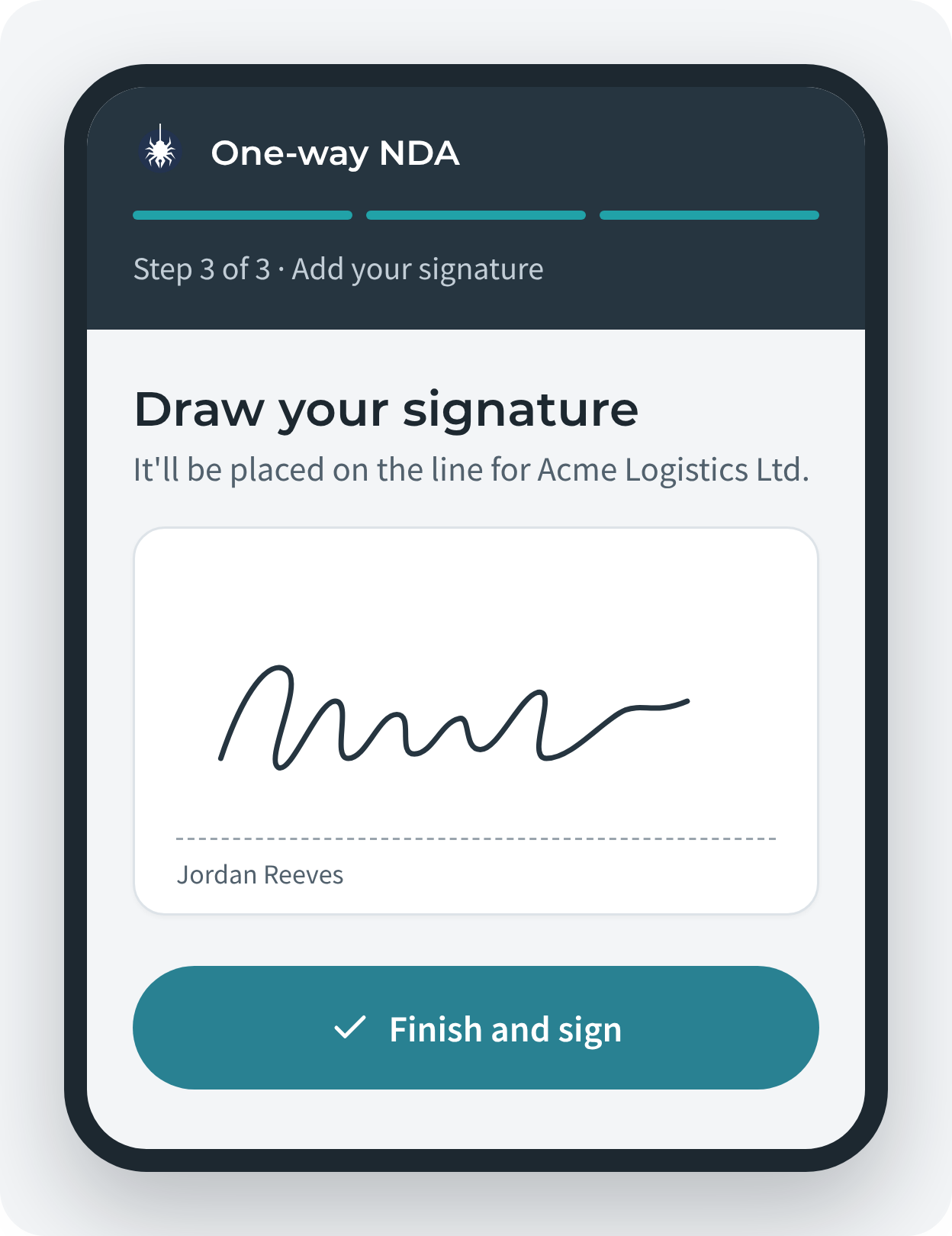
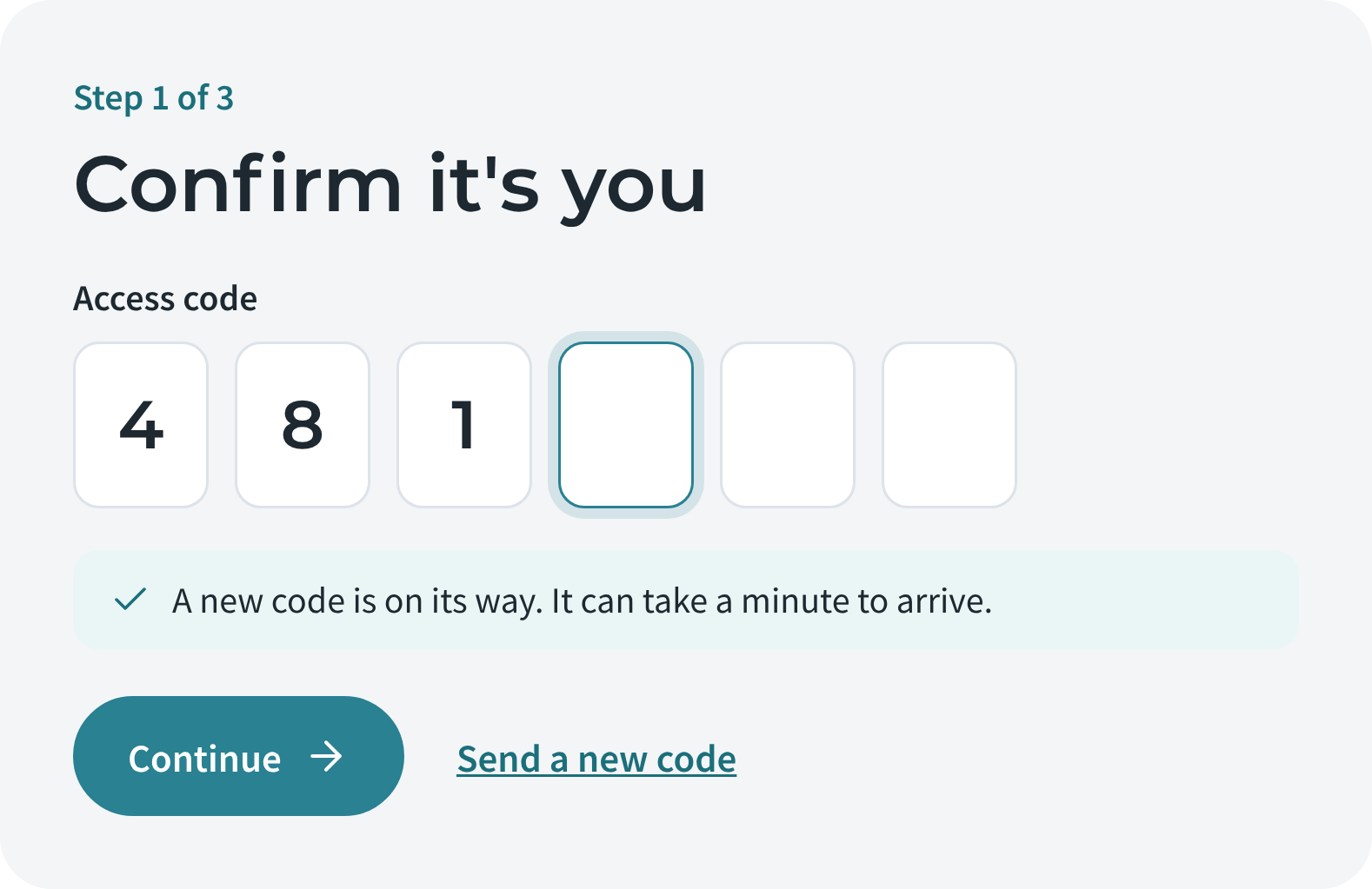
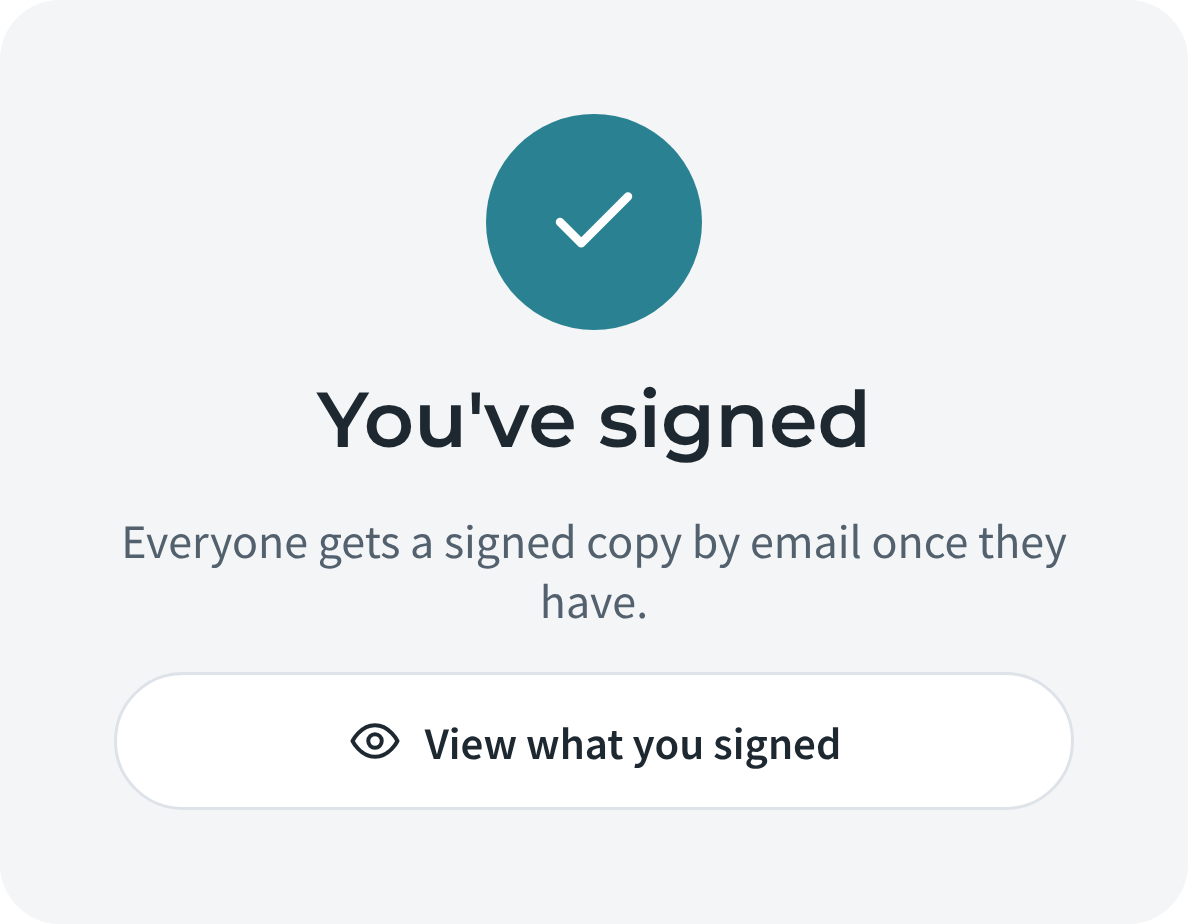
Weaver Sign lets you send any Weaver document for signature from a Salesforce record. Your signees don't need a Salesforce login: they confirm it's them with a one-time code, read, sign and finish, on a phone or a computer. The signed PDF goes back onto the record with an audit trail.
As always, Weaver runs entirely inside your Salesforce org. Your templates, documents and signatures never leave it.
What happens next
Customers will hear from us by email with everything they need, including how to upgrade. Questions? Write to support@appitek.com.