As a Pardot Consultant, it can sometimes be a bit of a chore when you first set up a Pardot org — especially when you need to create a bunch of new custom data fields and map them all to Salesforce!
Our latest free tool, the Pardot Field Manager, aims to alleviate these problems and provide a simple pain free way to create custom Pardot fields in bulk, as well as let you edit or delete any existing fields. On top of it all you can login to your connected Salesforce org and directly pull your Lead and Contact fields to help you setup all your data synchronisation!
Getting Started
Once you open the tool you’ll be able to log in to a Salesforce environment. If you don’t have Salesforce connected to Pardot you can skip this step.
The only thing you will miss out on is being able to set Salesforce fields to sync with your custom Pardot data fields, but if you don’t have a connected org then this doesn’t matter anyway!
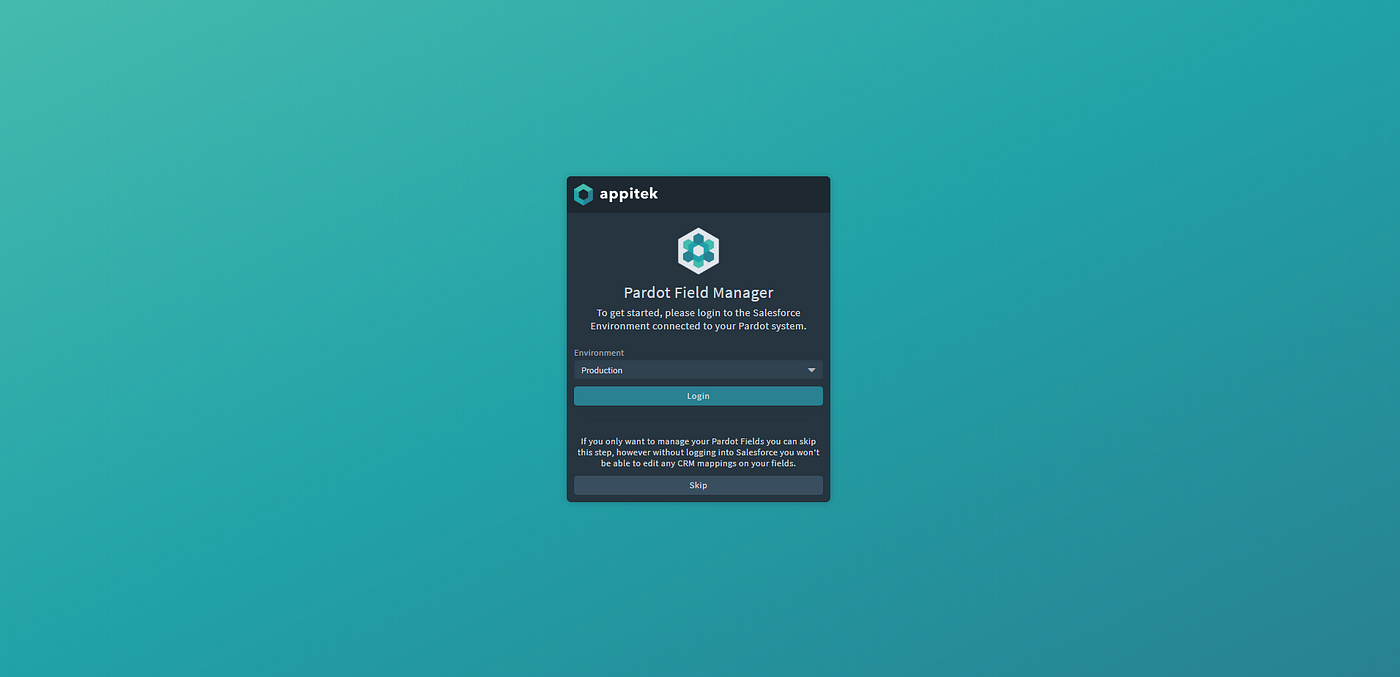 Login to Salesforce if you want to setup field syncs, otherwise log straight into Pardot!
Then you need to login to your Pardot environment, using your standard user name and password, plus your API User Key. Once you’ve done that the Pardot Field Manager will go and load all of the custom data fields in your Pardot environment.
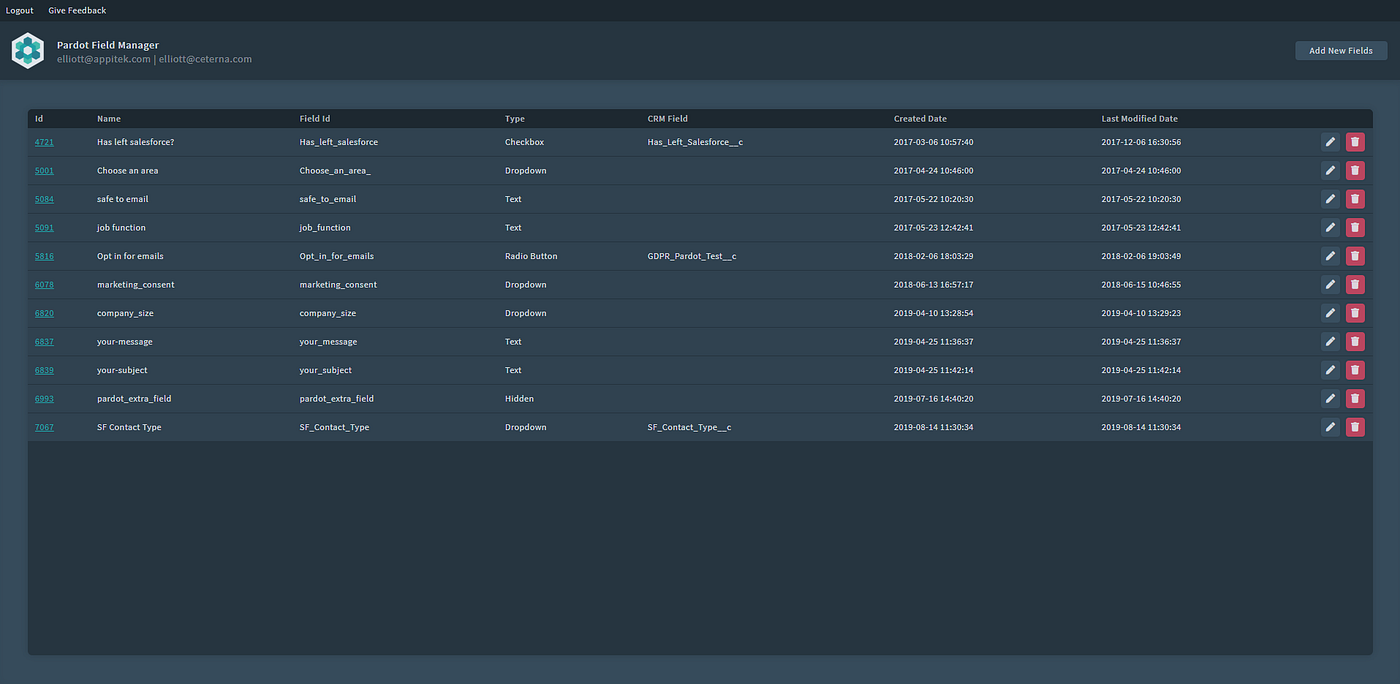 All of your custom data fields in one place
Creating New Fields
To create new fields, click the ‘Add New Fields’ button, and you’ll be greeted with a popup where you can create multiple fields in one go — much quicker than creating them in Pardot.
We’ve even made it automatically fill in the Field Id for you, a feature you might recognise from Salesforce’s field creation.
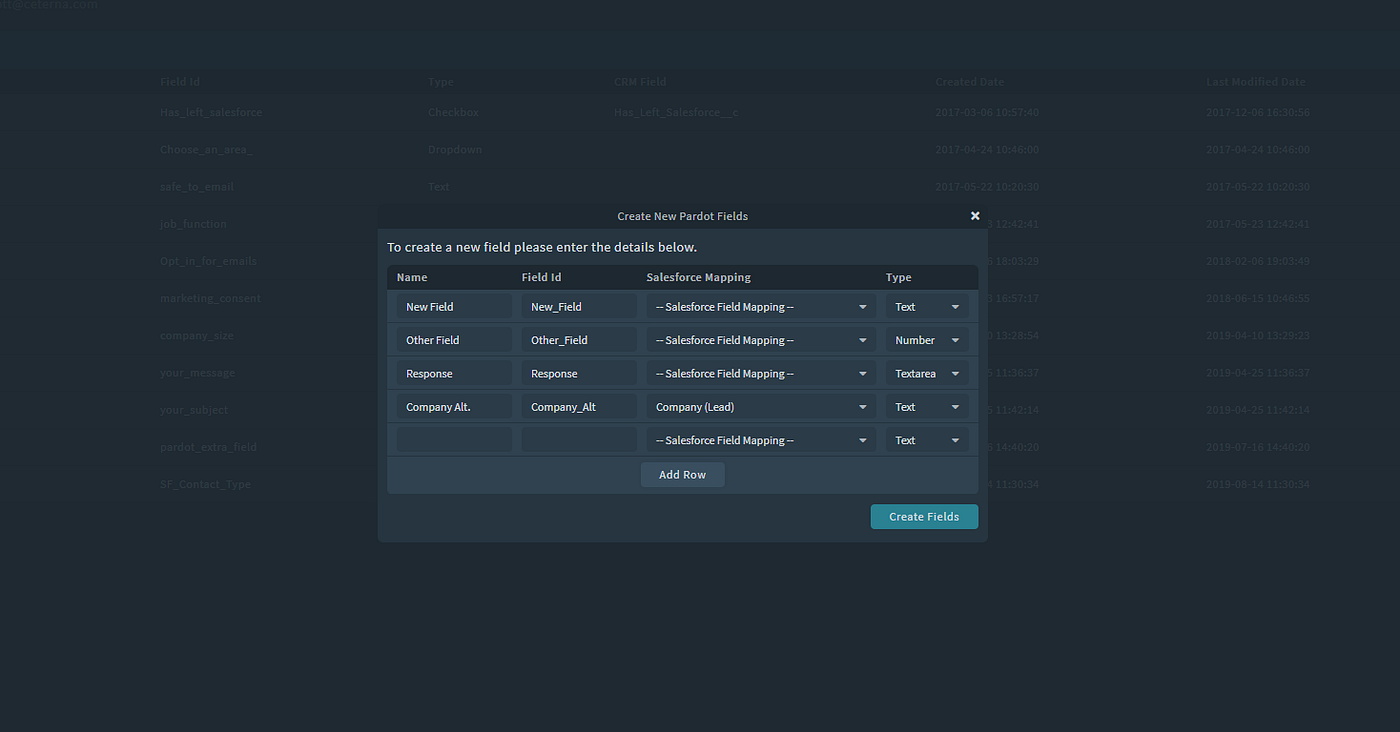 Add new fields in bulk, setting their data type and Salesforce mapping if needed!
You can also set the ‘Salesforce Mapping’ as you add the field. This dropdown gives you a list of all the Lead and Contact fields in the Salesforce org you logged in with. As you pick a field the data type will automatically be updated for you.
Managing Your Fields
As well as creating new custom fields you can edit any of your existing ones, as well as easily delete any fields if you made a mistake or no longer need a field.
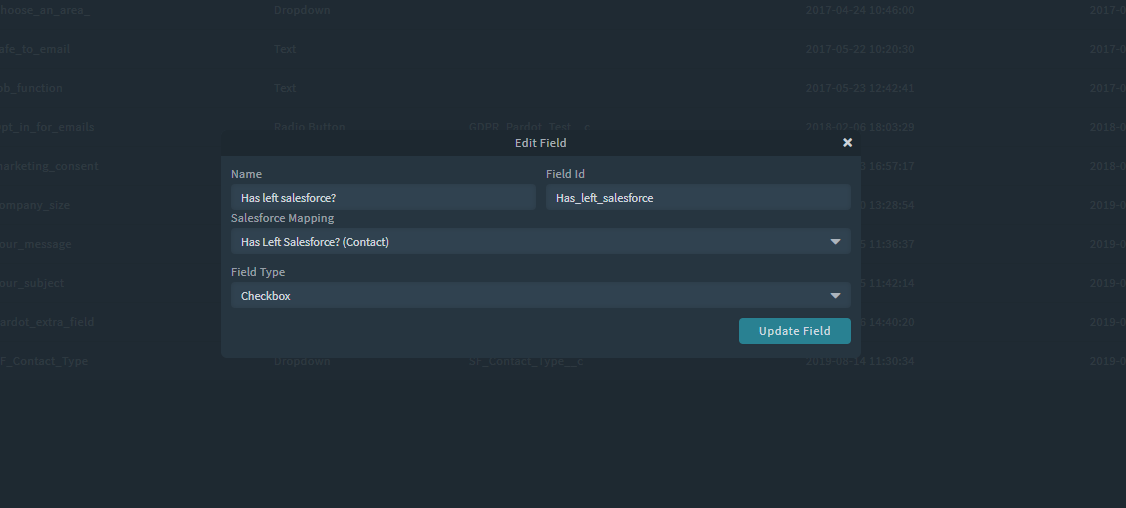 Editing fields is quick and easy
All the updates happen straight away, so once you’re finished in the Pardot Field Manager you can be sure all your changes have been saved.
Try it today, for free!
We hope that the Pardot Field Manager proves useful to you! Try it out today on our website for free.
If you have any suggestions of how we could improve this tool or ideas for other tools please contact us and let us know — we are continuously trying to improve our admin and developer tools so would love to here from the community.
You can get in touch with us in the comments below, or through our feedback form.