
If your team still copies Salesforce data into Word templates by hand, a document generation app will pay for itself quickly. Quotes, contracts, invoices and letters come straight from the record, with the right data every time. There are dozens of apps on the AppExchange, and they differ in ways that matter: where your data is processed, whether e-signature is included, and whether you pay per user or per organisation.
We make one of the tools on this list, Weaver, so we've kept the comparison to facts each vendor publishes, and listed the tools in alphabetical order. Pick the one that fits your org.
What to look for
Some tools generate documents inside Salesforce; others send record data and templates to the vendor's servers. With personal or sensitive data, ask where it's processed.
Some tools include it, some sell it separately, and some need another vendor's signing service.
Per-user pricing grows with your team; per-organisation or usage pricing grows with the documents you create.
Some tools are built for admins with time to learn them; others aim at anyone who can use Word.
Check for Flow, Apex and button support, and whether batch generation costs extra.
At a glance
| Tool | Where documents are made | E-signature | Best for |
|---|---|---|---|
| Conga Composer | Conga's service | Conga Sign, sold separately | Enterprise quote-to-cash |
| Docusign Gen | Salesforce-native app (per Docusign) | Docusign eSignature plan required | Docusign customers |
| Nintex DocGen | Nintex regional data centres | Via Nintex or partners | Nintex process automation |
| S-Docs | Inside Salesforce | S-Sign, native | Larger teams wanting native |
| Weaver | Inside Salesforce | Weaver Sign add-on, native | Small and mid-sized orgs, non-profits |
1. Conga Composer
Conga is one of the longest-established names in Salesforce document generation, and Composer is part of a wider suite that covers contract management, CPQ and e-signature (Conga Sign, sold separately). It handles complex quote and contract documents and has a large consultant ecosystem.
2. Docusign Gen for Salesforce
Docusign describes Gen as a Salesforce-native app that merges Salesforce data into Word, PDF or Docusign documents, with rules that include or leave out content based on your data. It works with Sales Cloud and Revenue Cloud for quotes and invoices. Docusign states that a Docusign eSignature plan is required to use it.
3. Nintex DocGen for Salesforce (formerly Drawloop)
Nintex DocGen builds document packages from Salesforce data and can deliver them by email, to storage or for signature. It runs on Nintex's own data centres, with regional options in the US, Europe (Germany) and Asia Pacific (Australia). It fits well if you already use Nintex for process automation.
4. S-Docs
S-Docs is built on the Salesforce platform and states that your data never leaves Salesforce. Its e-signature product, S-Sign, is also native. S-Docs publishes its prices: flat-rate Starter Packs for orgs with up to 24 users, and an Unlimited Edition priced per user per month, billed annually, with a minimum contract.
5. Weaver by Appitek
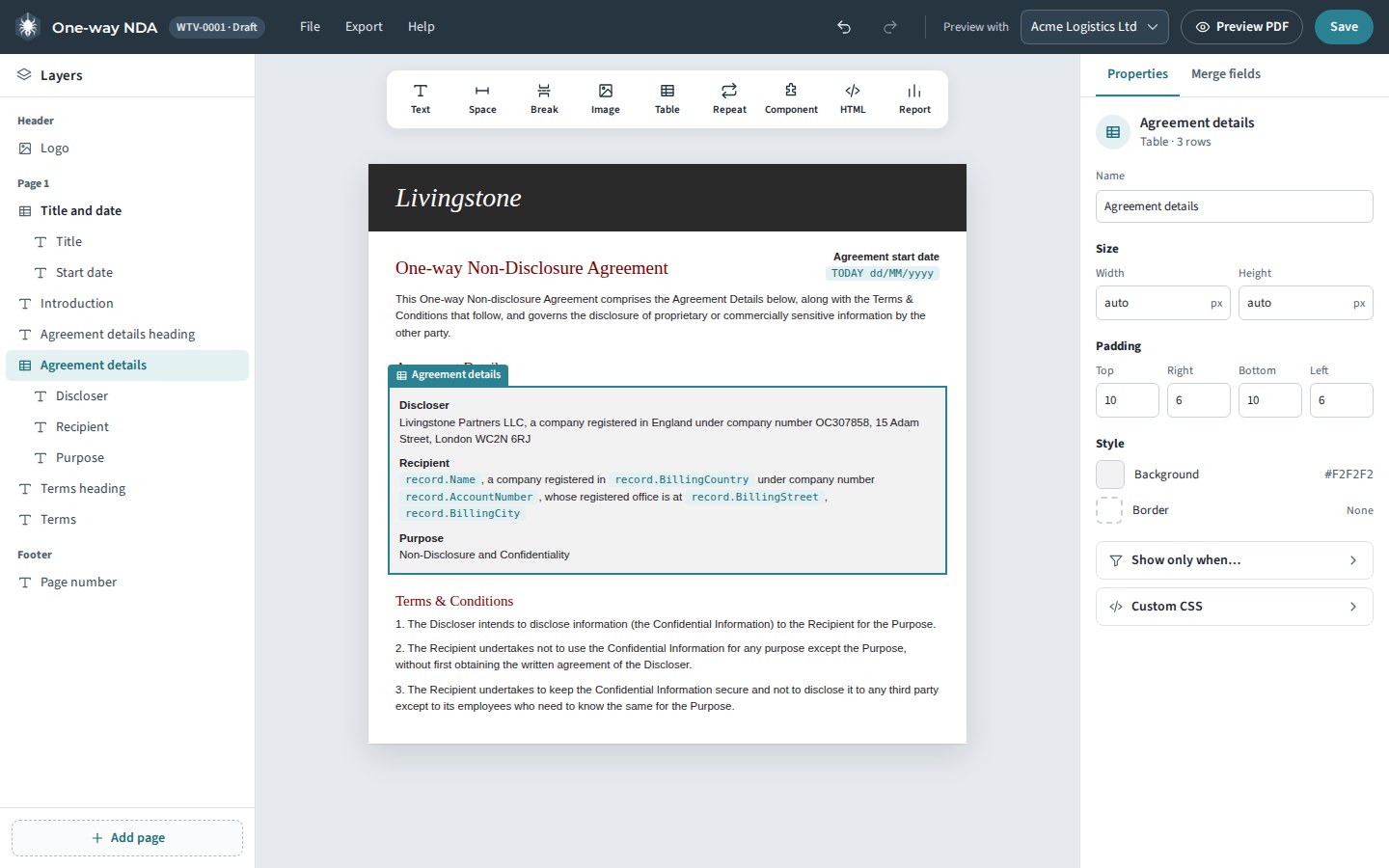
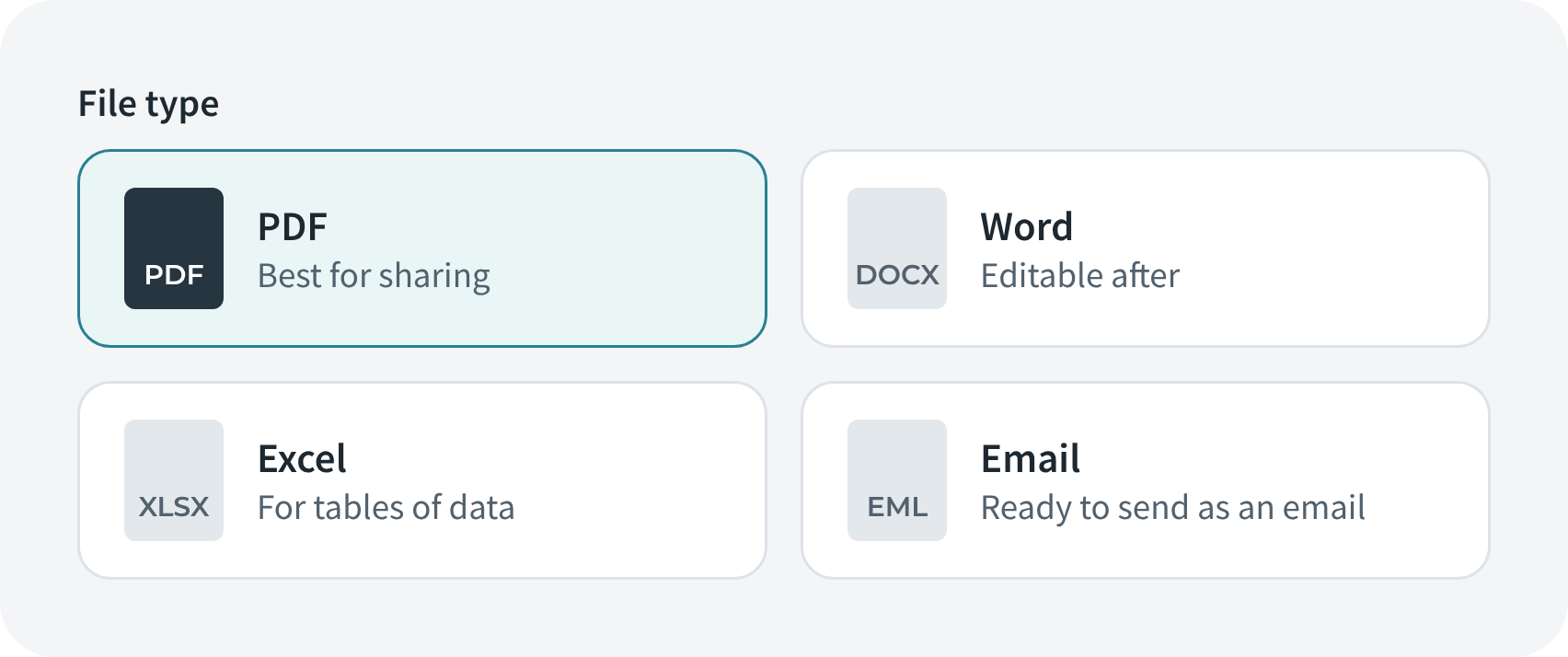
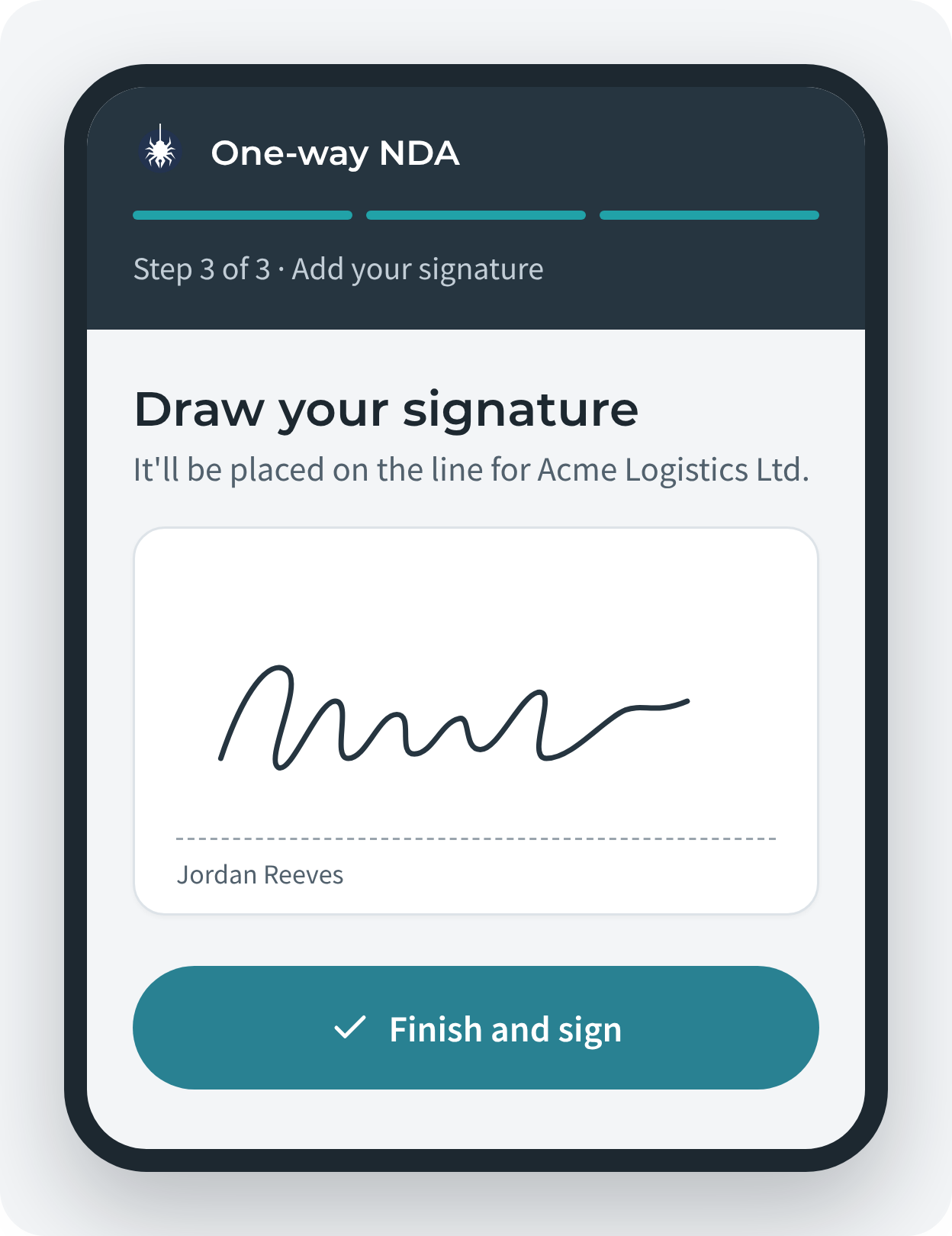
Weaver is document generation and e-signature built entirely in Salesforce: templates, documents and signatures stay in your org, and Weaver uses no third-party document or signature service. Admins design templates in a visual Designer; users create PDF, Word, Excel or email documents from any record in four guided steps, with one click from a button, or automatically with Flow or Apex. Weaver Sign adds e-signatures that signees complete on any device with no Salesforce login.
Screens shown are from Weaver 4, available from 5 January 2027.
How to choose
If you're already invested in one vendor's ecosystem, start there: Conga for Conga CPQ and CLM, Docusign Gen for Docusign shops, Nintex DocGen for Nintex automation. If you want everything to stay inside Salesforce, compare S-Docs and Weaver, and check how each one prices for your team size. Whichever you shortlist, install it in a sandbox and build your most complex template before you buy.
Competitor details checked on 7 November 2026 from each vendor's website.