Weaver 4
Documents and signatures, made simple
The same Weaver you rely on, with a calmer look, step-by-step screens and e-signatures built in. Available from 5 January 2027.
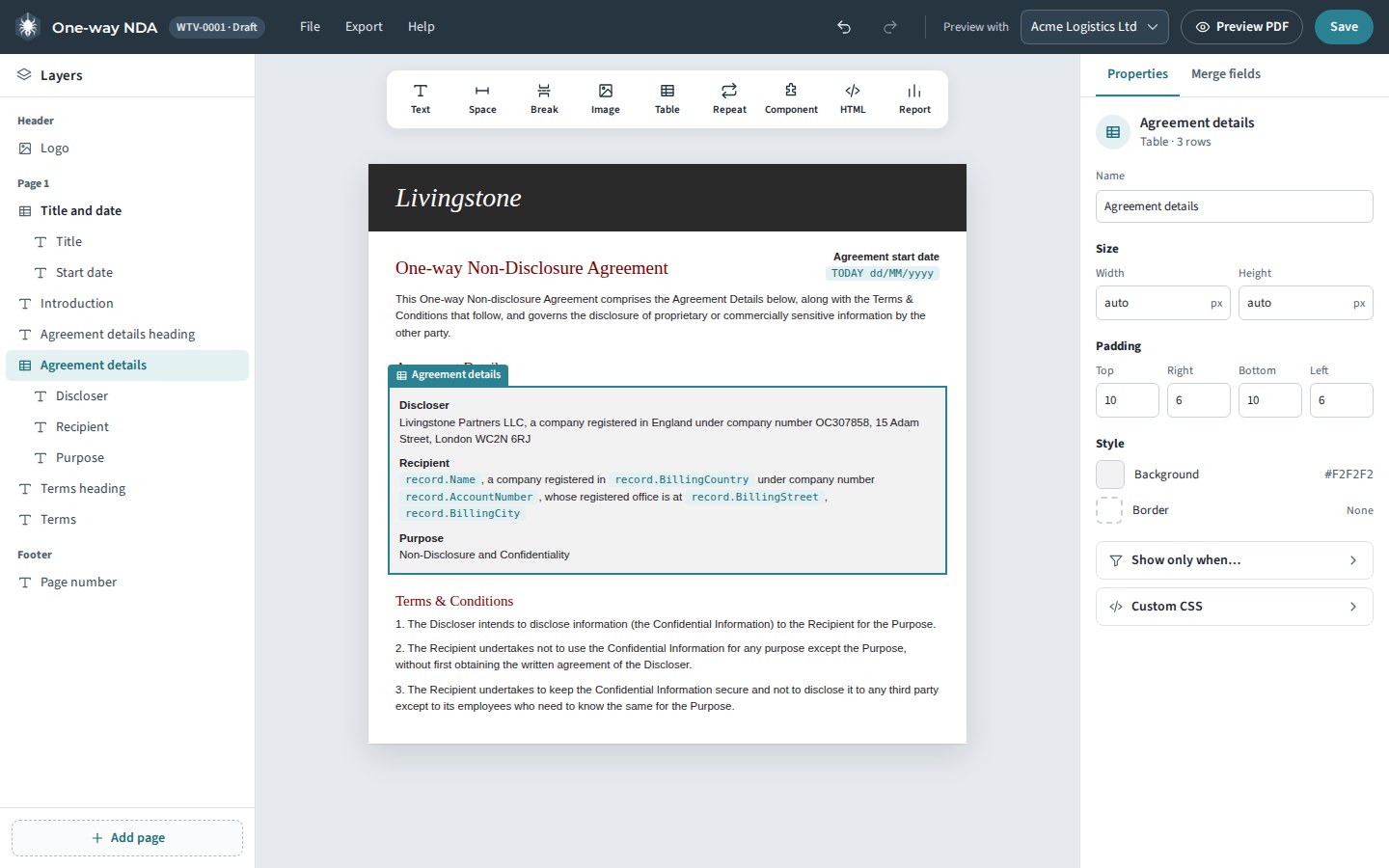
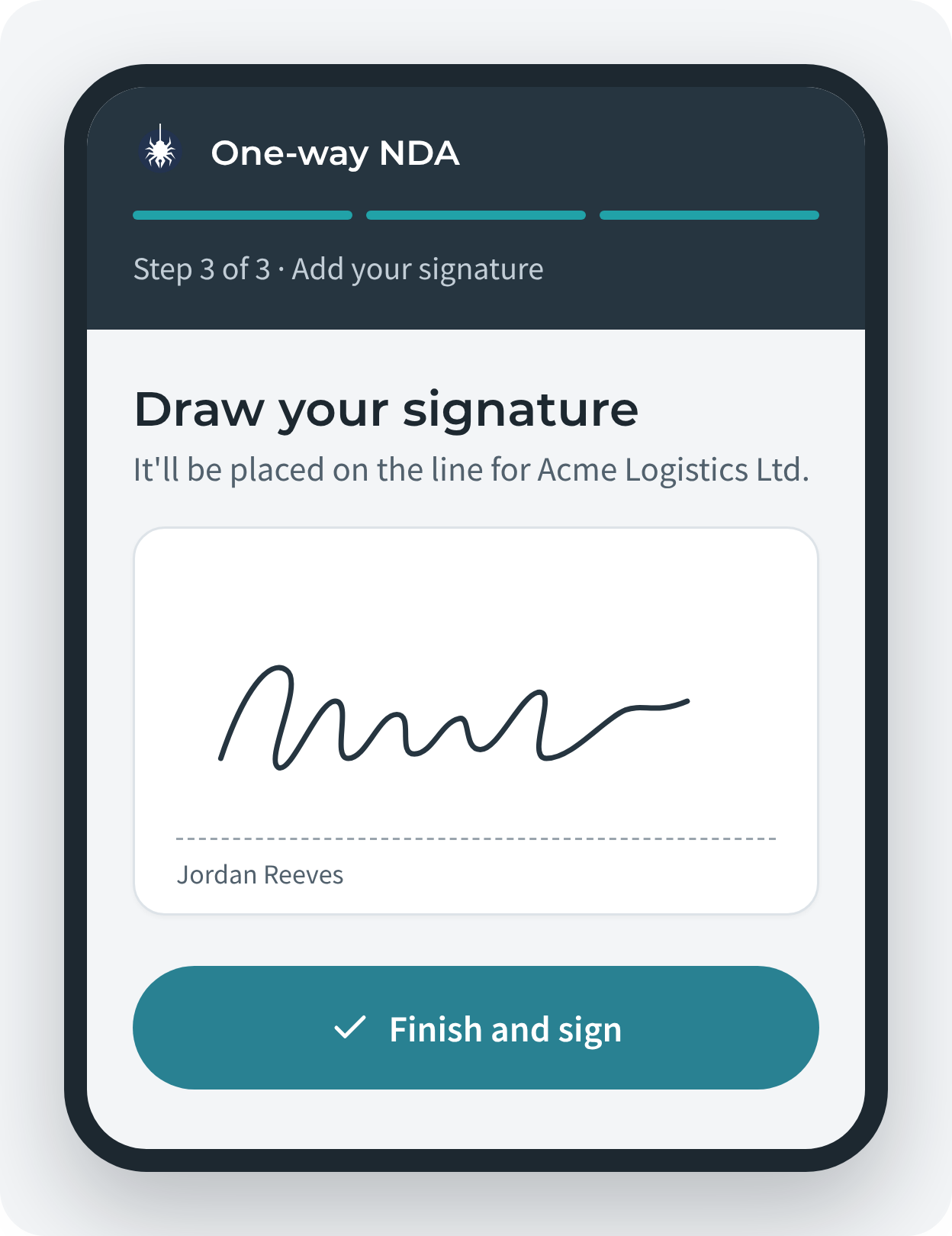
The same Weaver you rely on, with a calmer look, step-by-step screens and e-signatures built in. Available from 5 January 2027.
Step-by-step screens for generating, sending and setting up, with one clear action on each.
Send any Weaver document for signature without leaving Salesforce. Signees need no login.
Templates, documents and signatures never leave your org.
Every tool you use today stays. Each screen now has one clear job.
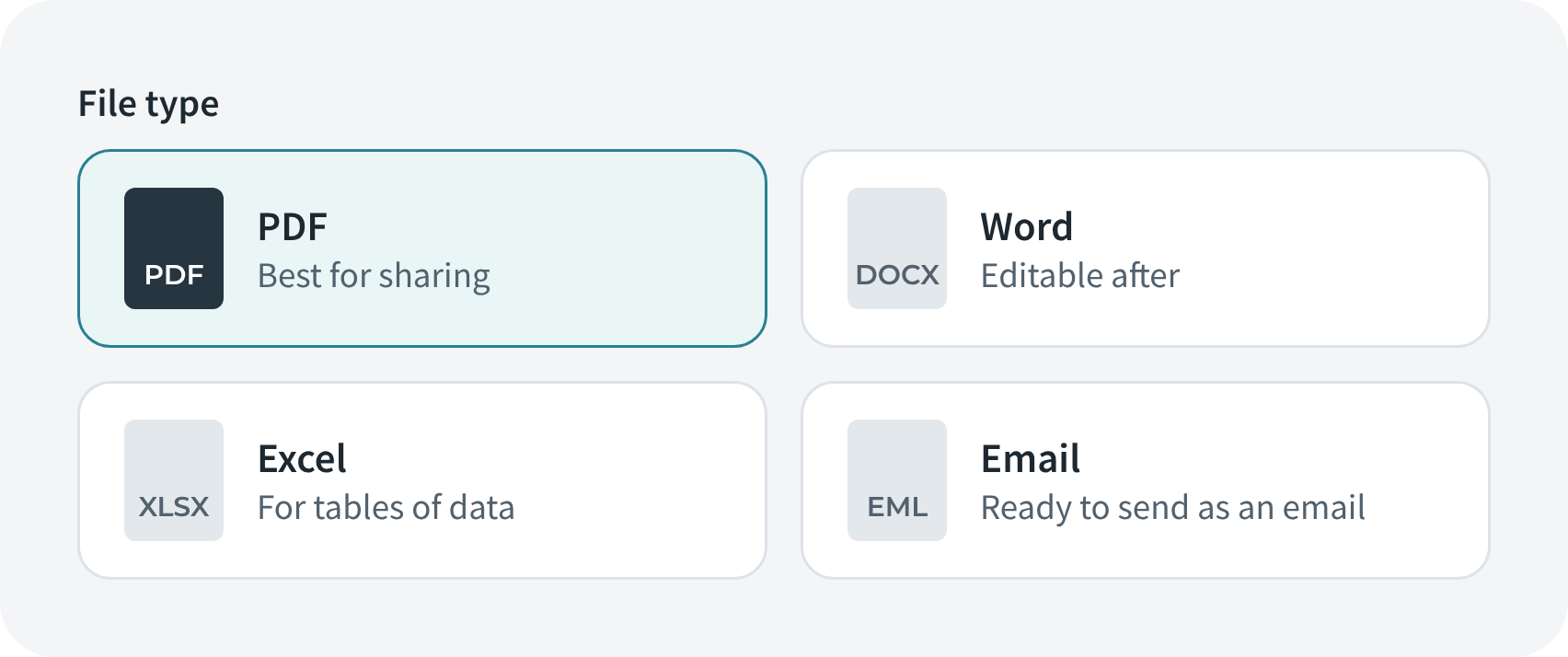
Choose output, name your file, fill in sections, create, with a live preview.
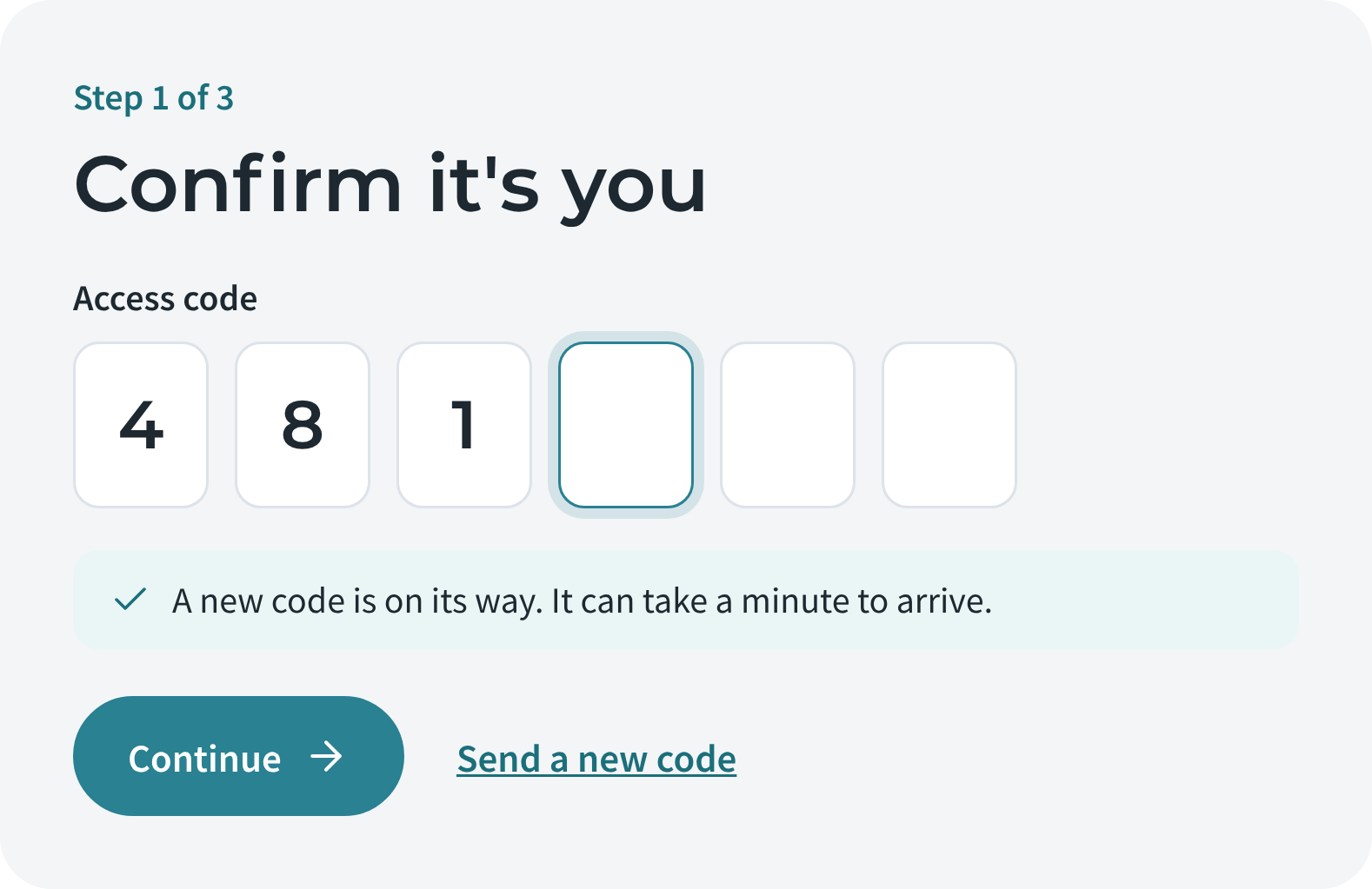
Signees confirm with a one-time code, read, sign and finish. No Salesforce login needed.
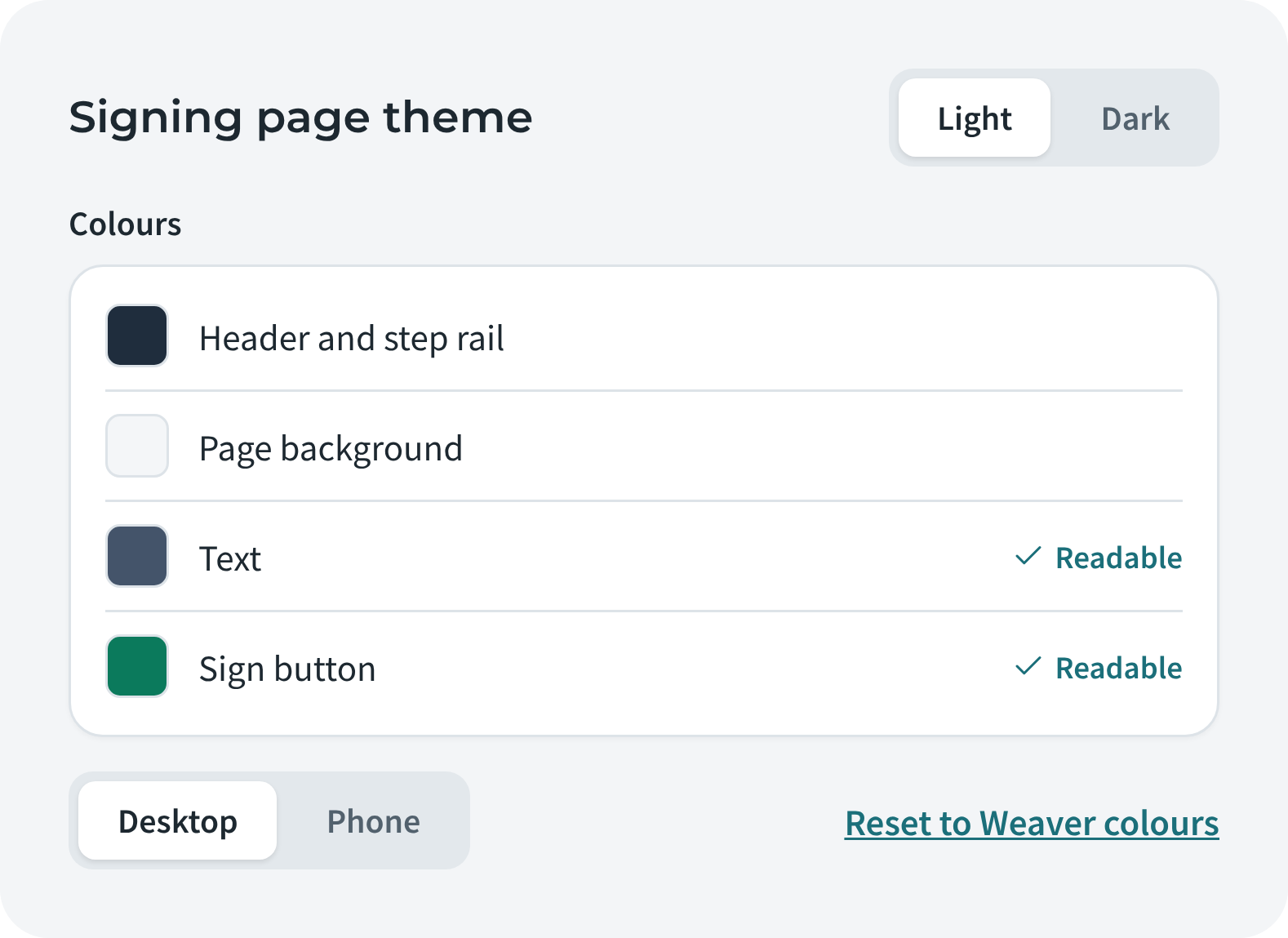
Weaver Sign Setup shows what's done, with a branded signing page in light or dark.

Layers, canvas and properties in one clear workbench.
We'll email you when Weaver 4 is ready, with everything you need to upgrade.
We'll only use your address for Weaver 4 news. See our privacy policy.
Thanks, you're on the list. We'll email you when Weaver 4 is ready.